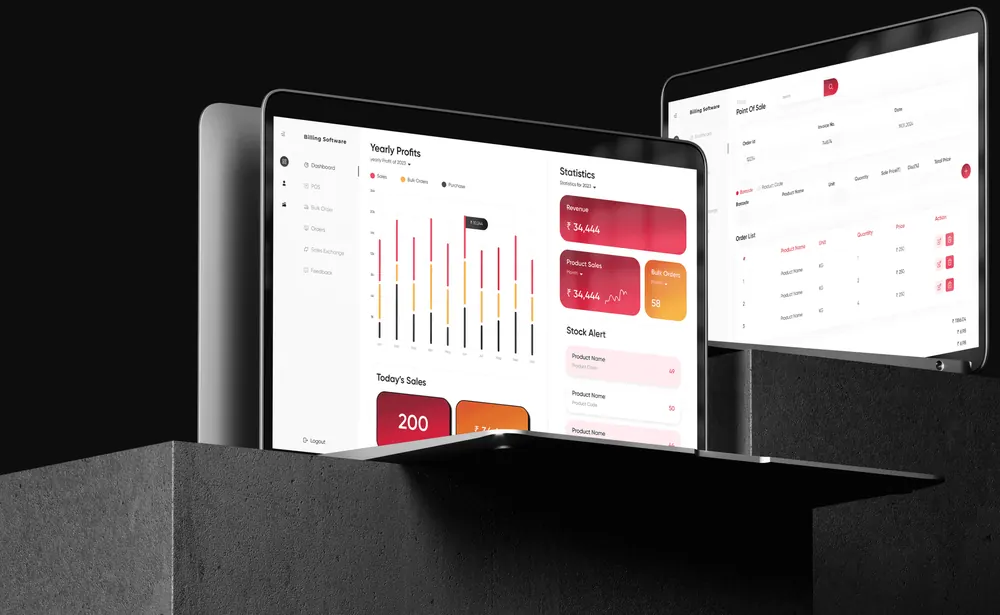
Matwo
A construction-materials shop designed from nothing: one app for home buyers and verified businesses, and the admin that runs it.
Overview
Matwo sells what a building is made of: cement, pipes, tiles, electrical materials and the rest of the list.
There was no website, no app and no design system to start from. I designed the whole product alone: the shop customers buy from and the admin the business runs on.
- 0existing screens to redesign or copy
- 2kinds of buyer: individuals and GSTIN-verified businesses
- 13modules in the admin web application
- 1designer, from strategy to prototype
General user (B2C)
Browse, compare, add to cart, pick a delivery option, pay and track the order.
Business user (B2B)
Register with a GSTIN, get verified, then buy in bulk at business pricing.
Admin
Products, stock, orders, business verification, payments and reports, in one place.
The challenge
A homeowner fixing a bathroom and a contractor pouring a foundation want the same cement, in very different quantities, at different prices, with different paperwork.
Nobody impulse-buys 120 bags of cement. The product had to serve both buyers without making either feel they were in the wrong shop.
How might one platform sell to a household and a construction business, and give the team behind it full control of both?
Process
Scope on this project: Strategy, information architecture, user flows, wireframes, UI design, design system, prototype
- Research
- Analysis
- Ideation
- Wire framing
- Prototyping
- Usability testing
- Feedback
- UI design
- Development handoff
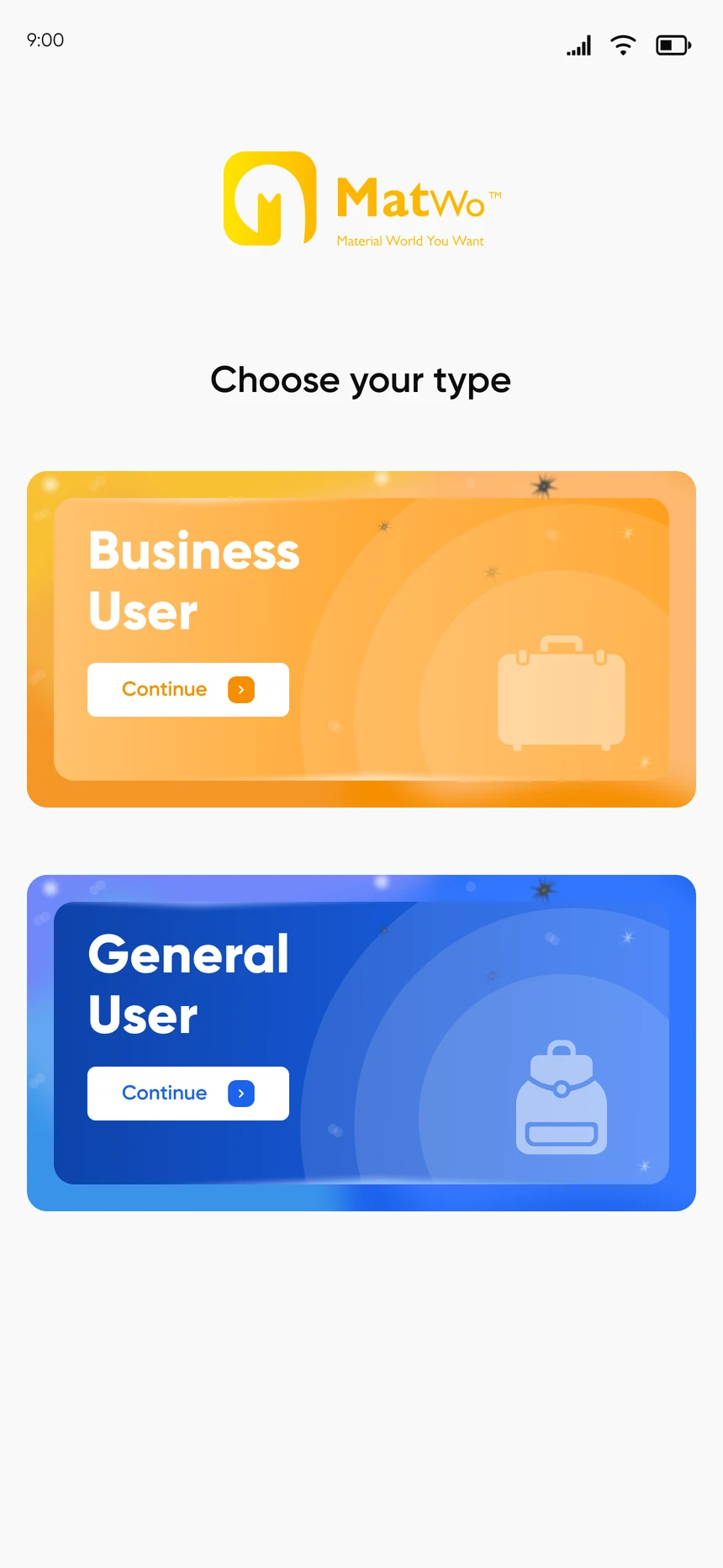
Choose your type
The first decision in the app is who you are. A general user goes straight to the shop.
A business user registers with a GSTIN. Once the business is verified, B2B pricing, offers and bulk buying open up.
- General user: shop straight away
- Business user: GSTIN, then verification
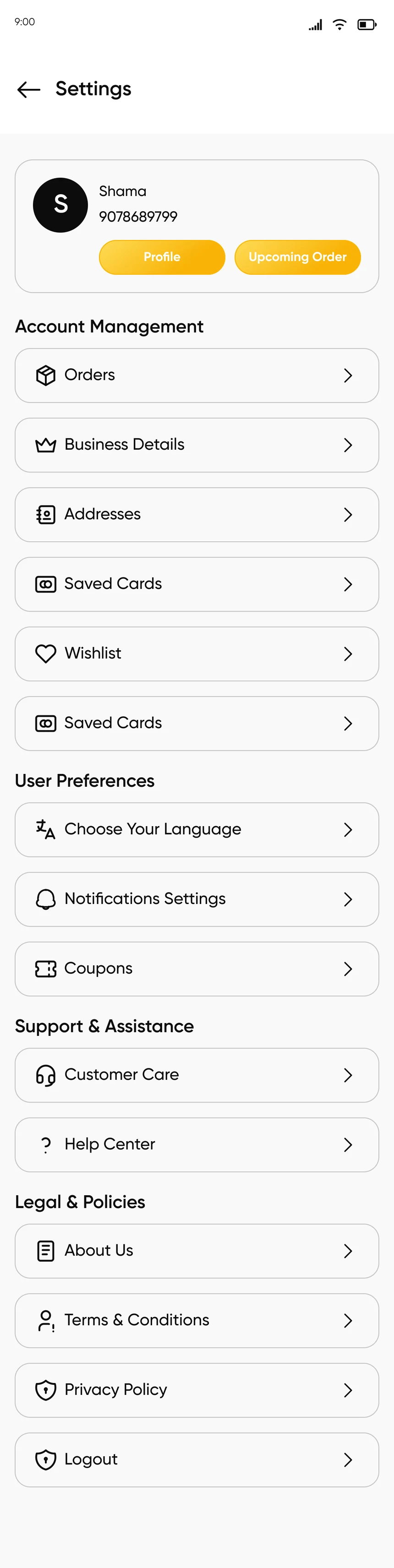
- Business details stay in the account
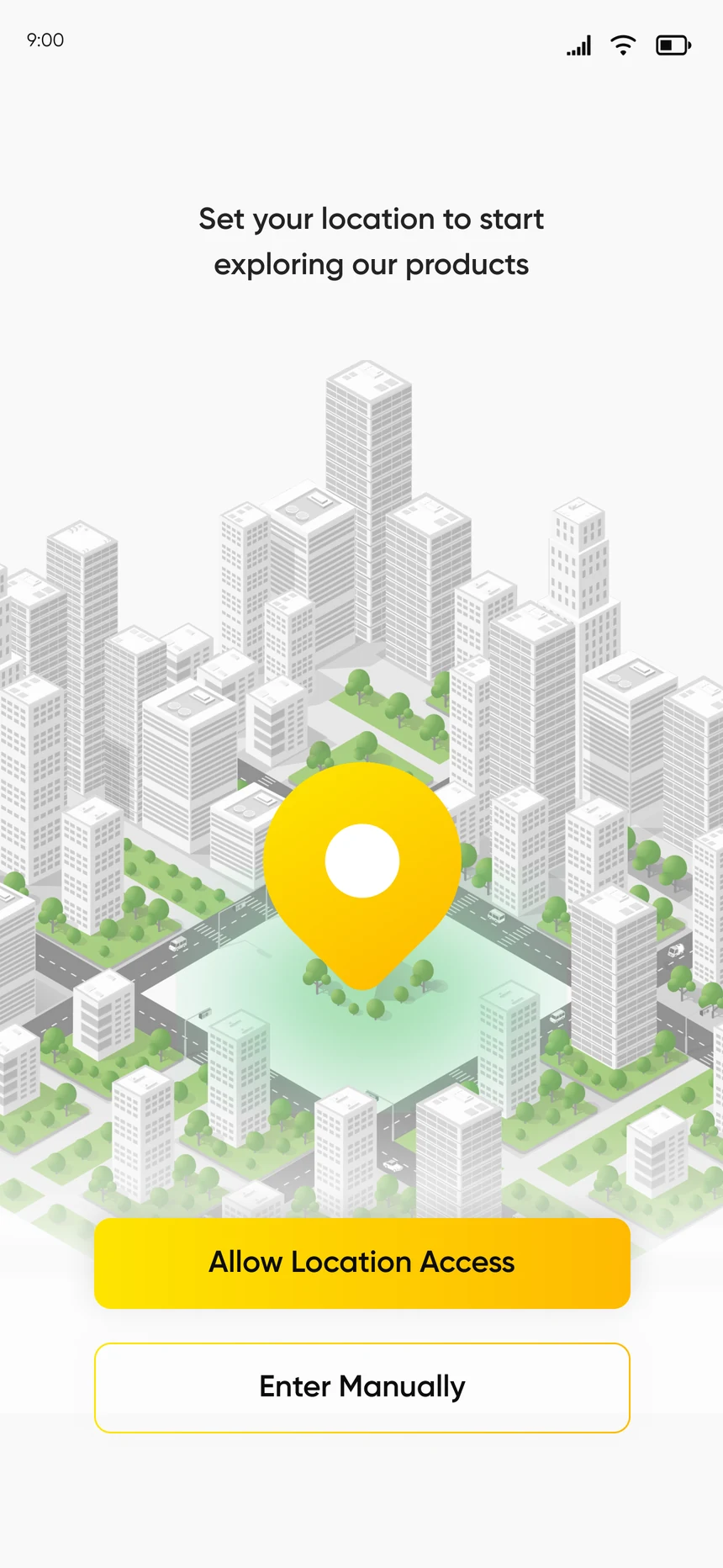
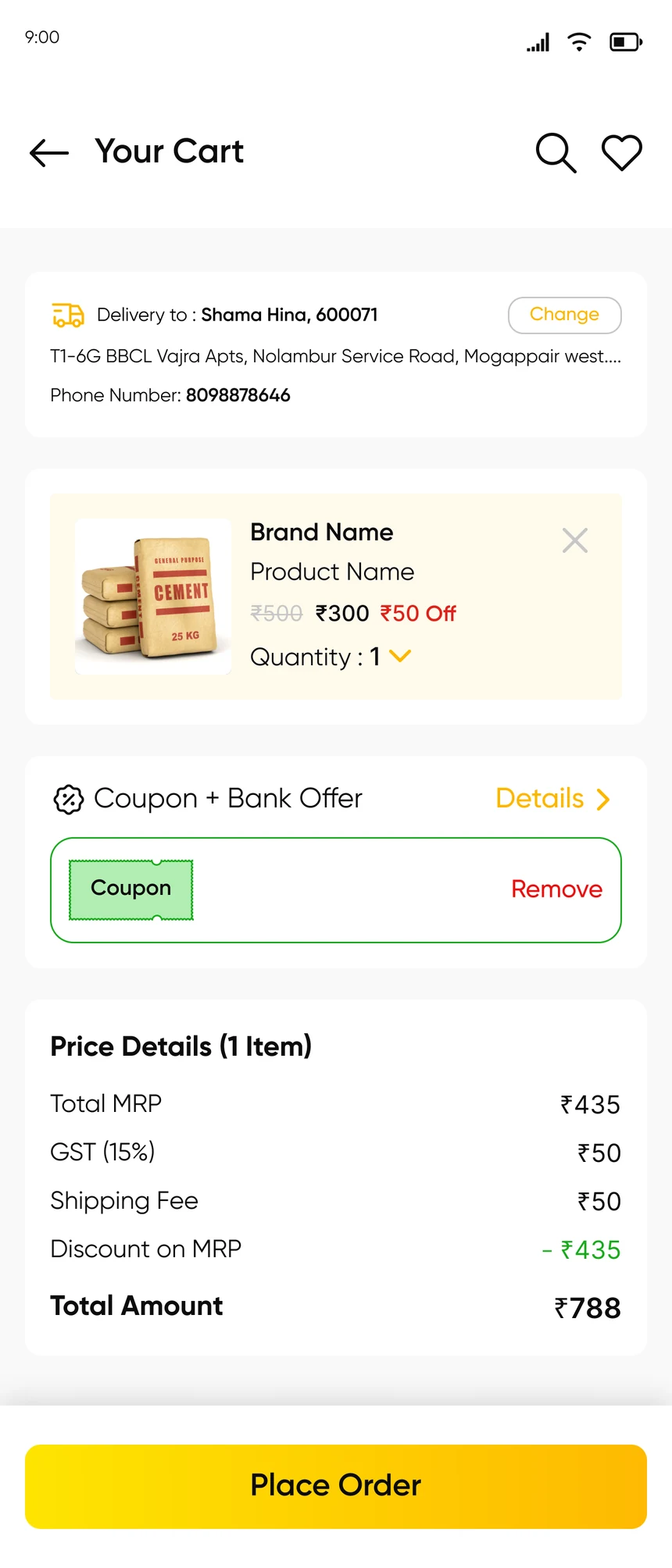
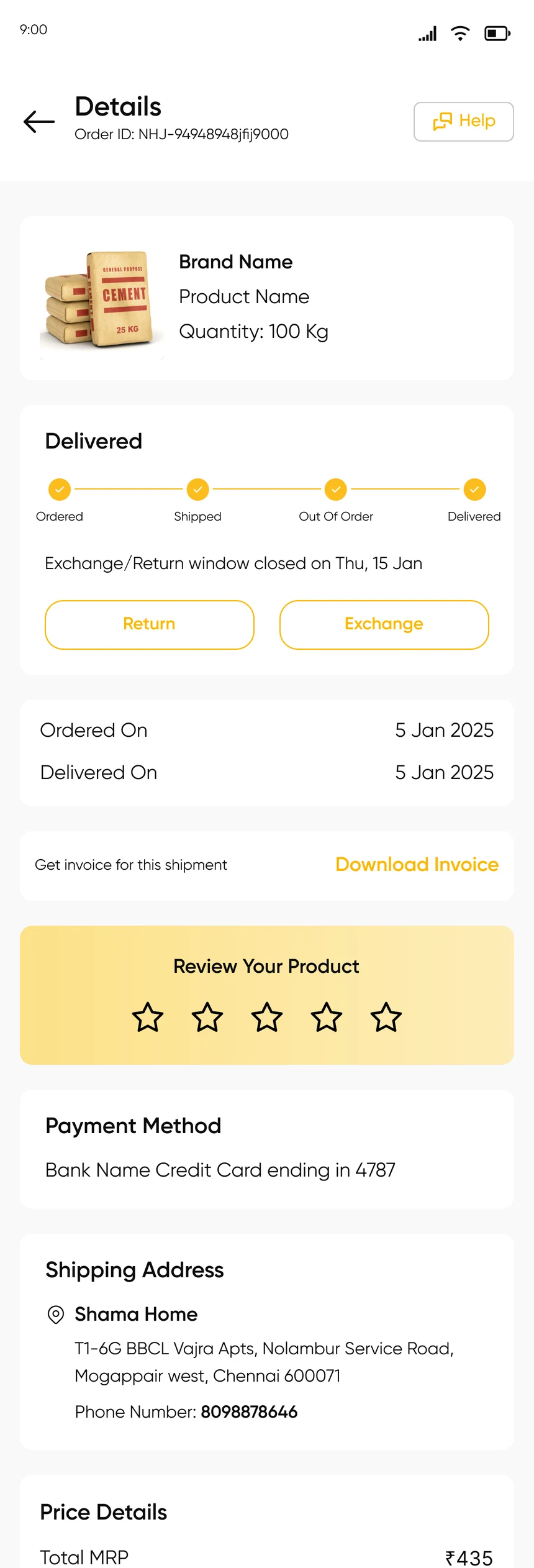
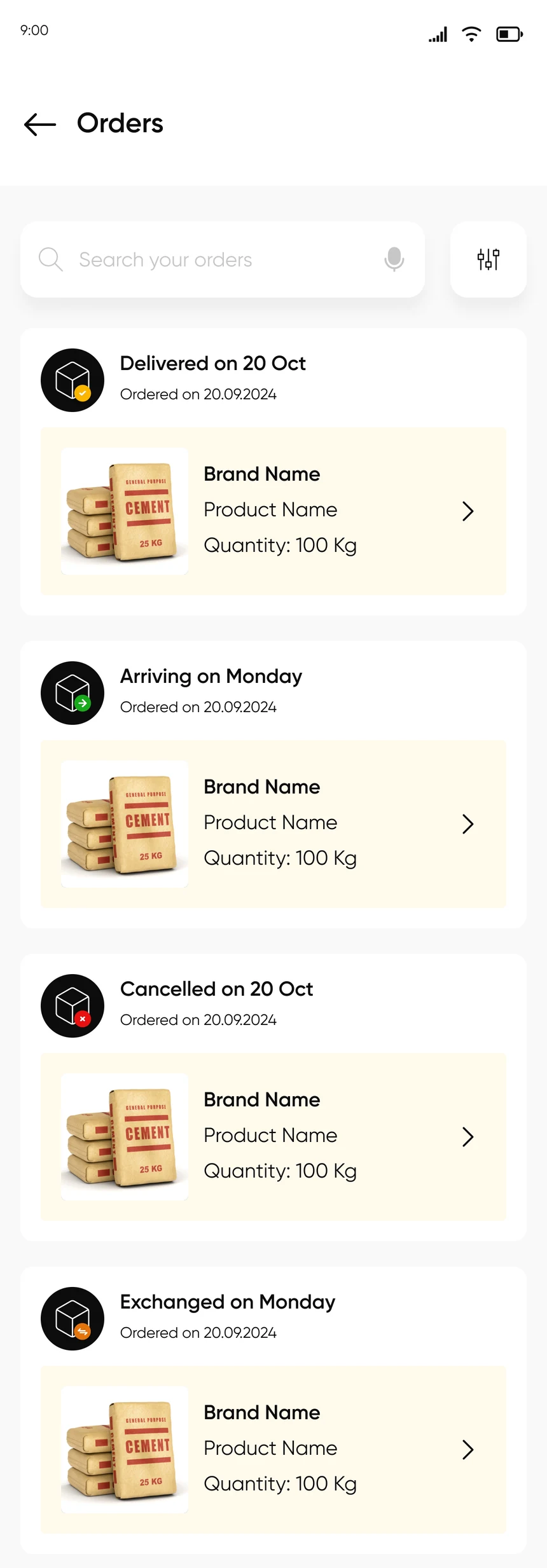
From first open to a tracked order
Eight screens, in the order a buyer meets them.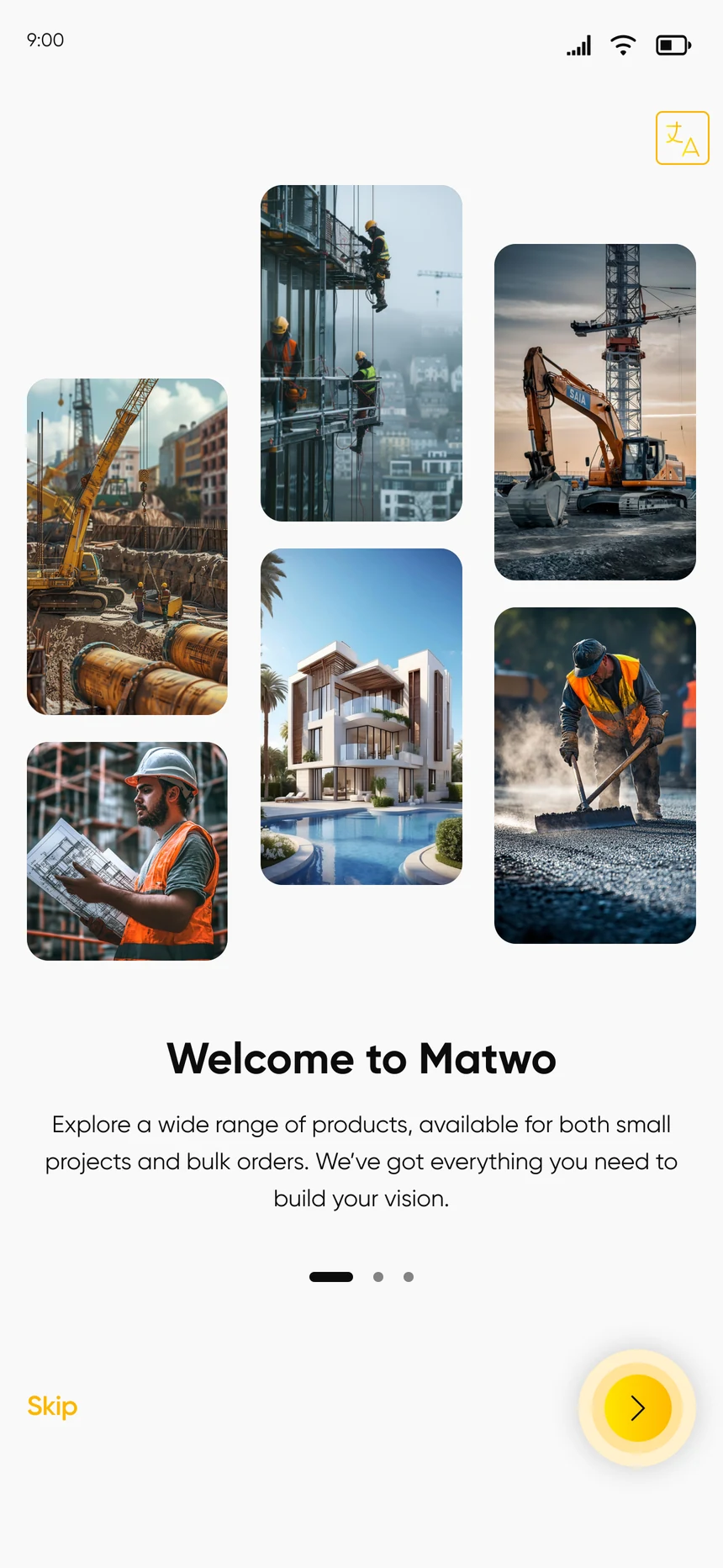


A product page that expects big orders
Construction materials are bought by the tens and hundreds, so quantity is a row of presets, not a plus button to tap a hundred times.
Delivery date, free delivery, exchange window and pay on delivery sit directly under the price, checked against the buyer’s pin code.
- Quantity presets: 10, 50, 100, 120
- Coupon and bank offers on the page
- Specifications, seller details and reviews below
- EMI for larger purchases
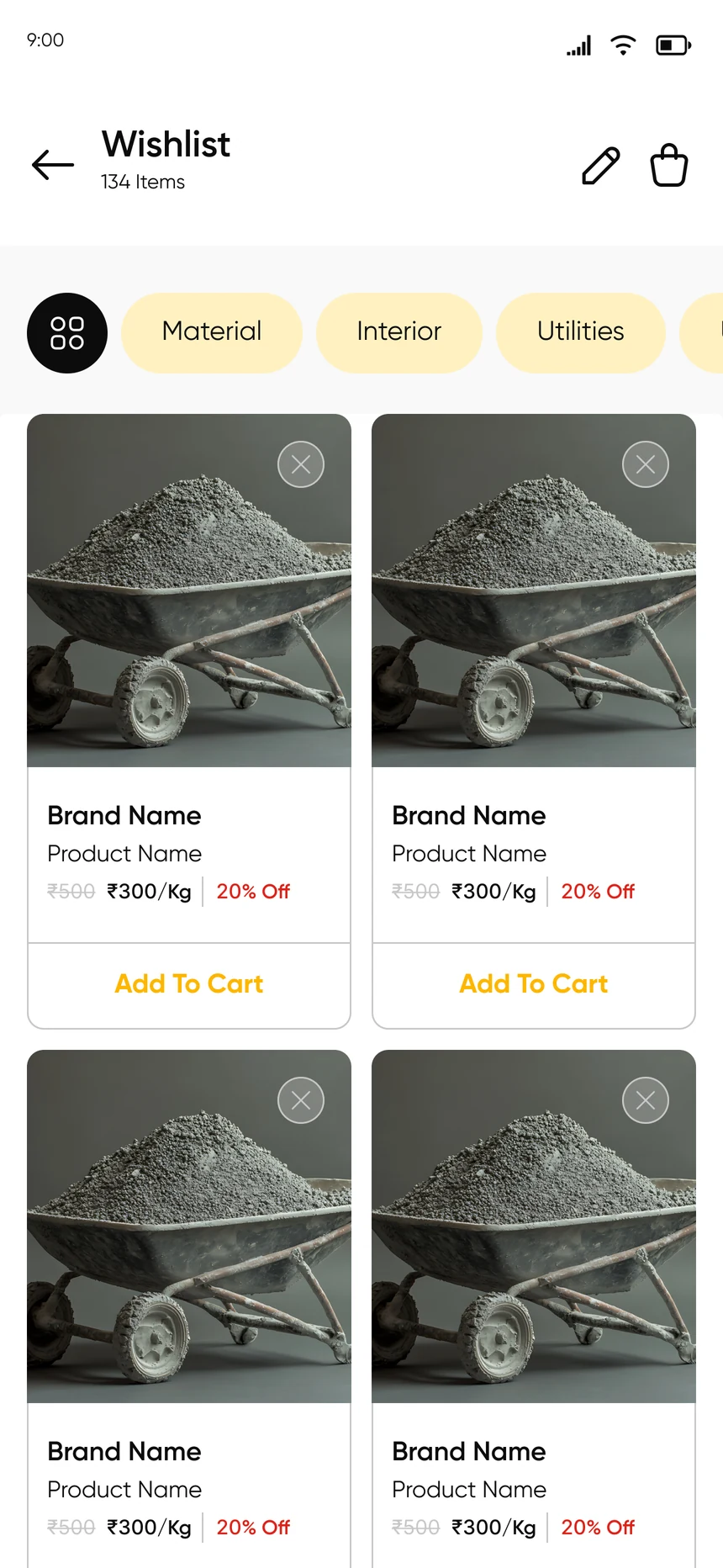
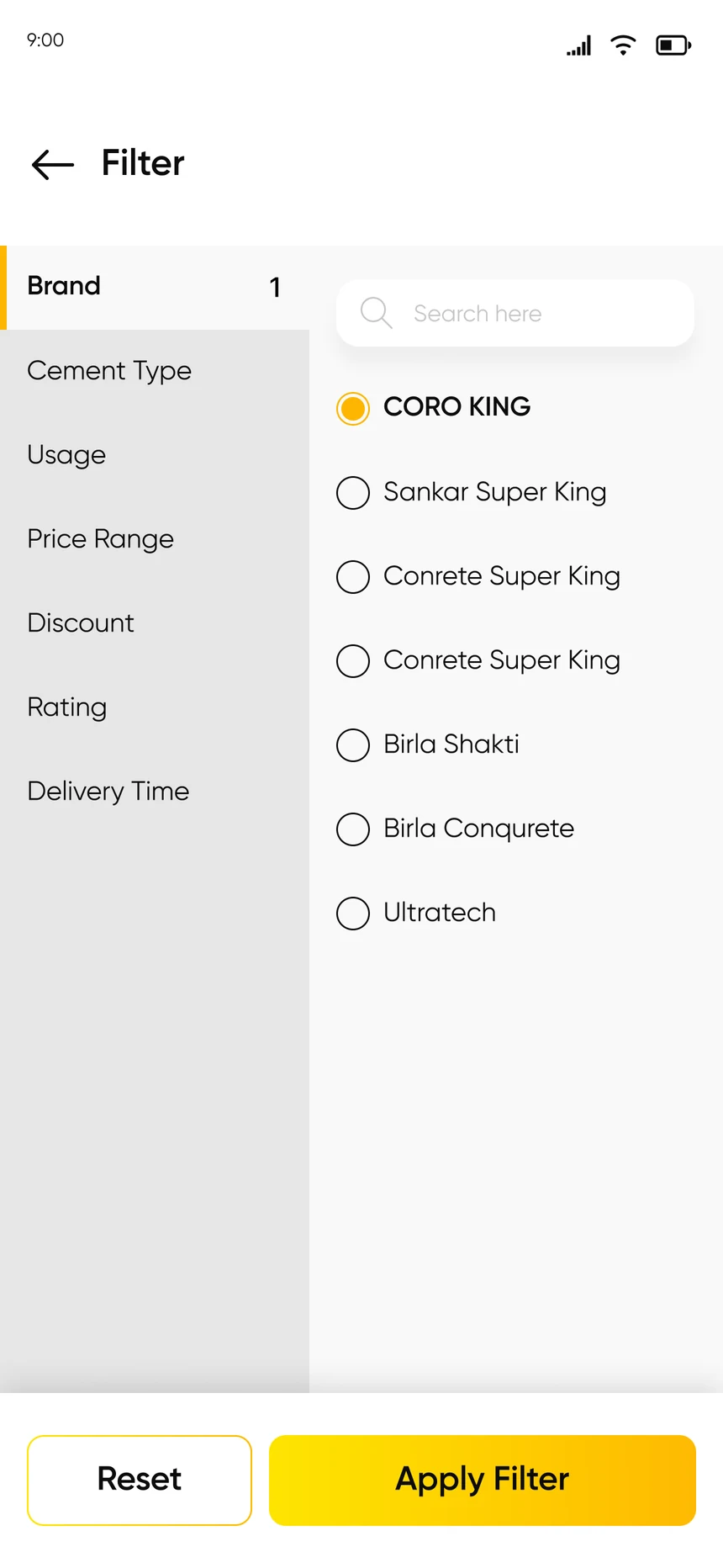
After the order
Where a shop earns the second purchase.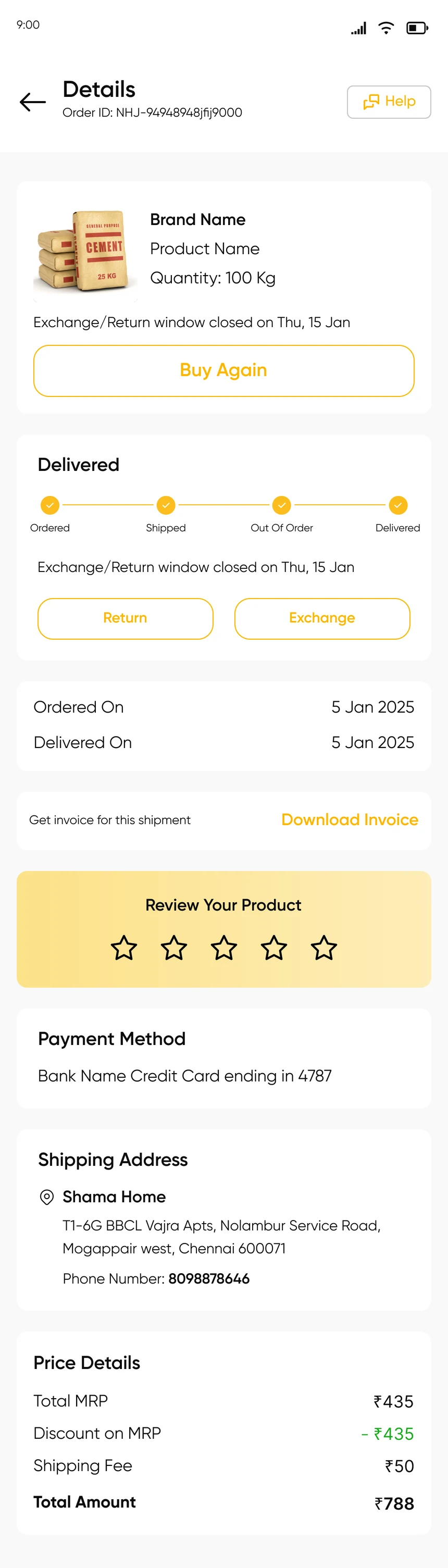
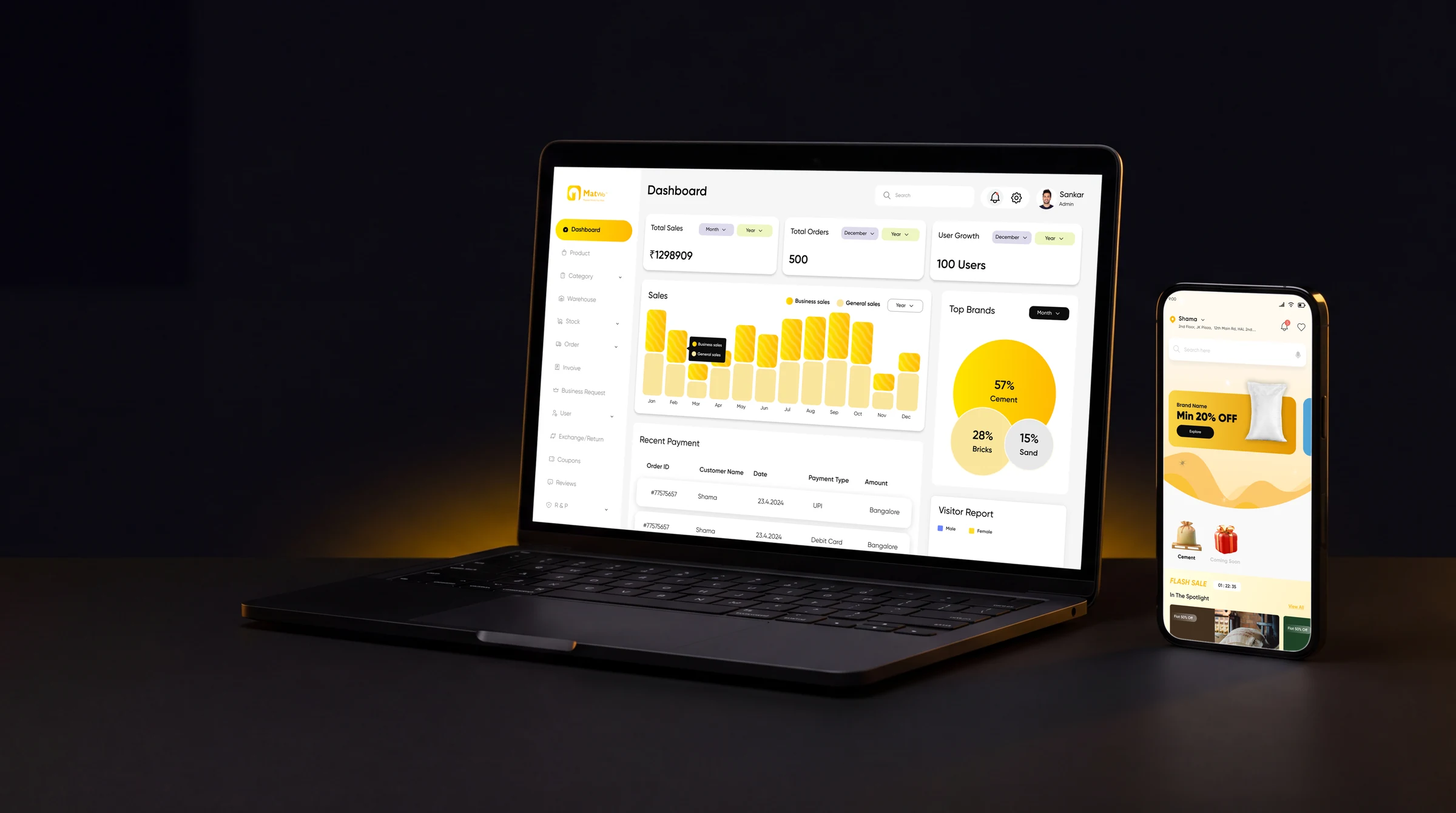
The admin
The half of the product customers never see. Hover a number.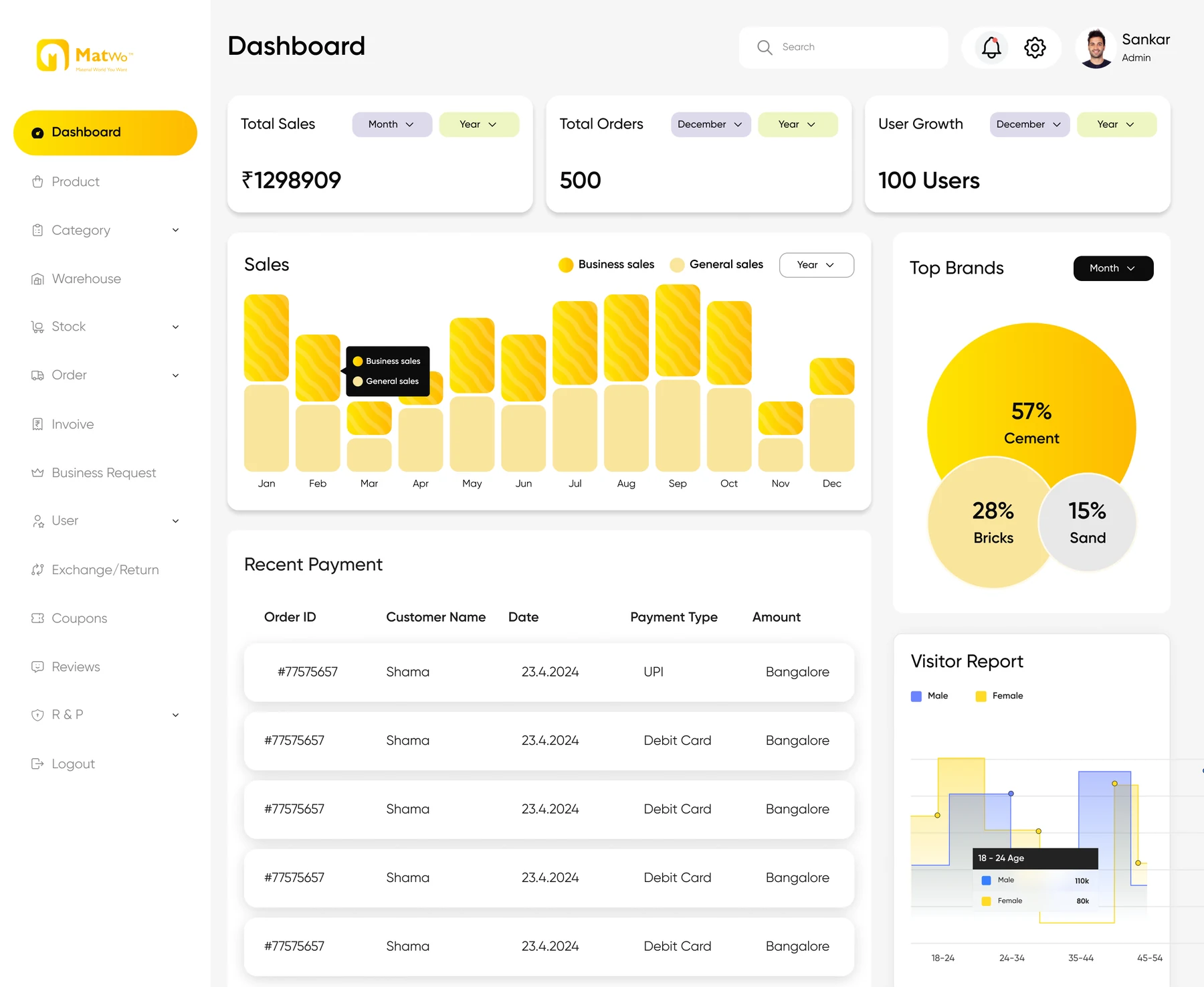
- 1
Three headline numbers
Total sales, total orders and user growth, each with its own month and year filter.
- 2
Business against general
One chart splits B2B sales from B2C sales, month by month.
- 3
Top sellers
What is selling most, as shares of the whole.
- 4
Recent payments
Order, customer, date, payment type and city.
- 5
Visitor report
Who is visiting, by age group.
Running both sides of the shop
Four of the thirteen admin modules.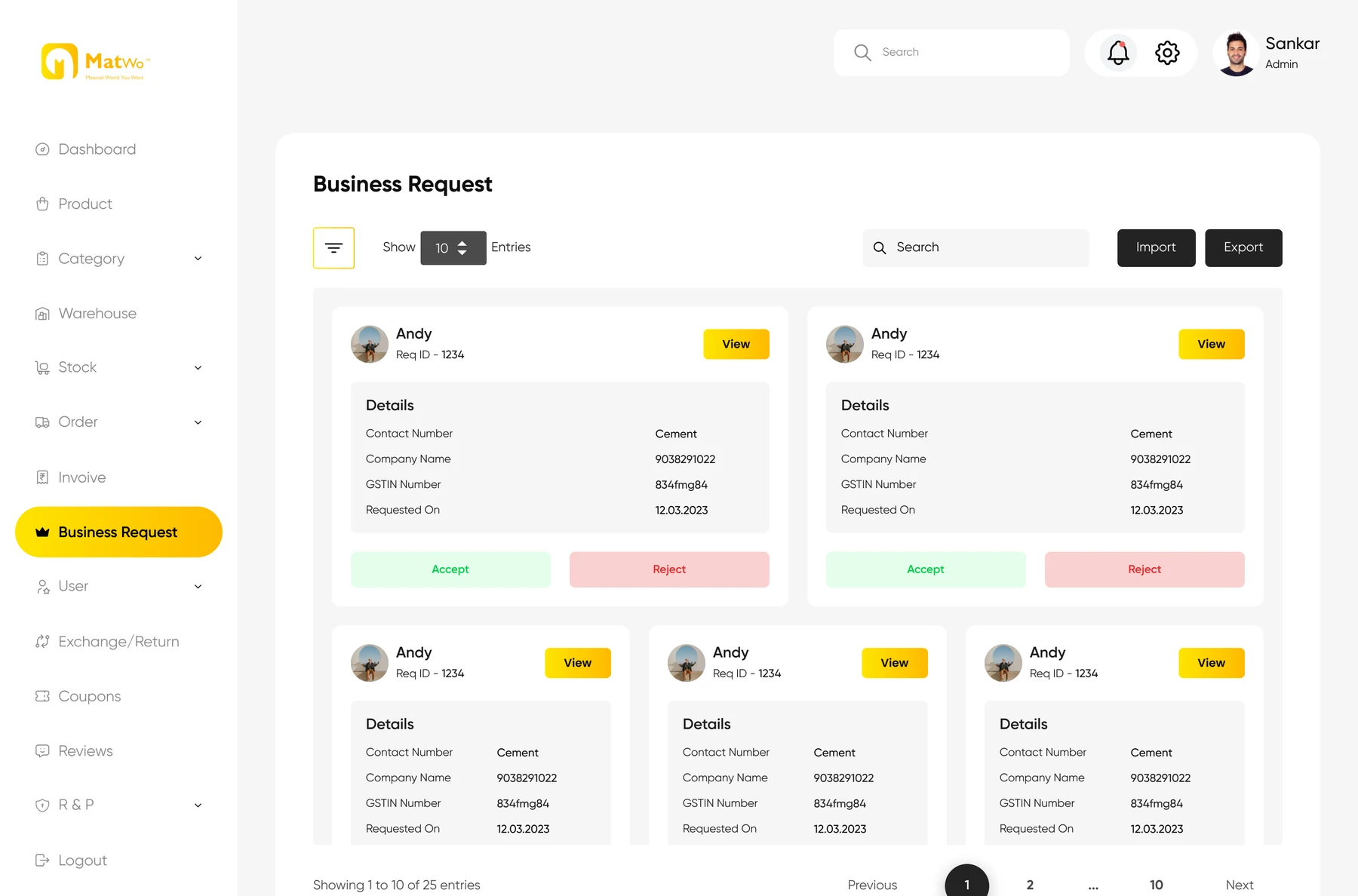 Business requests
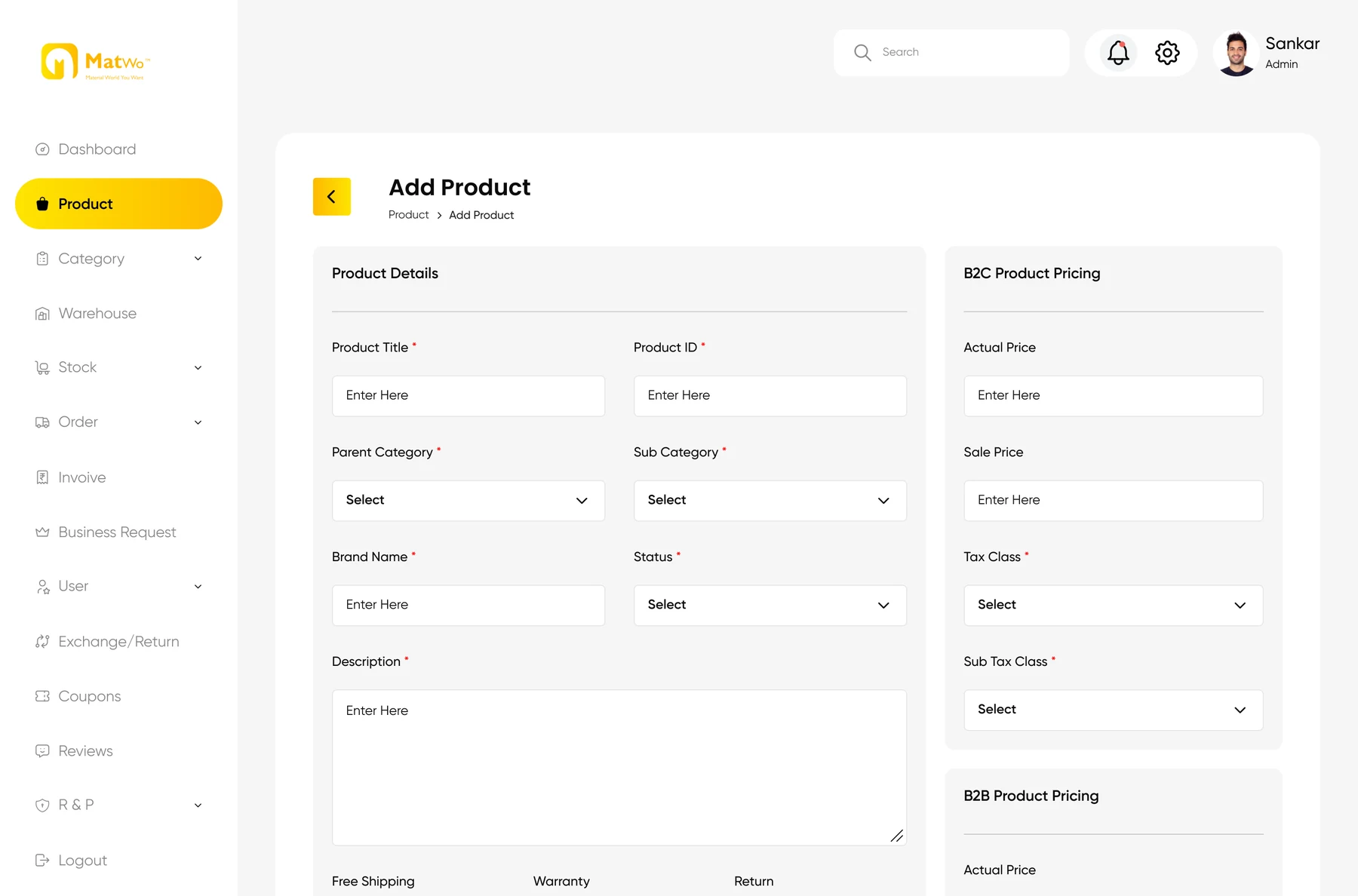 Add product
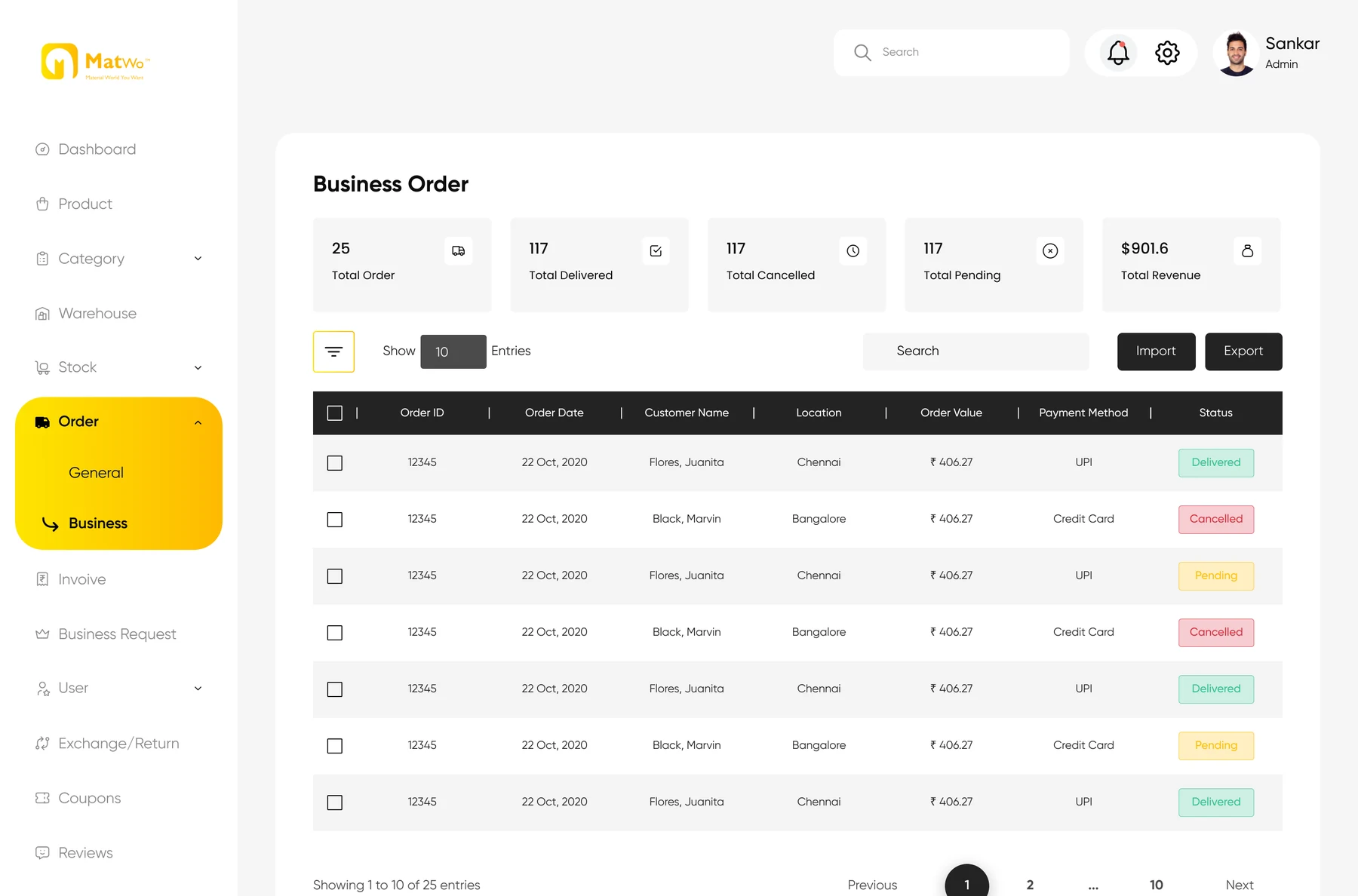 Business orders
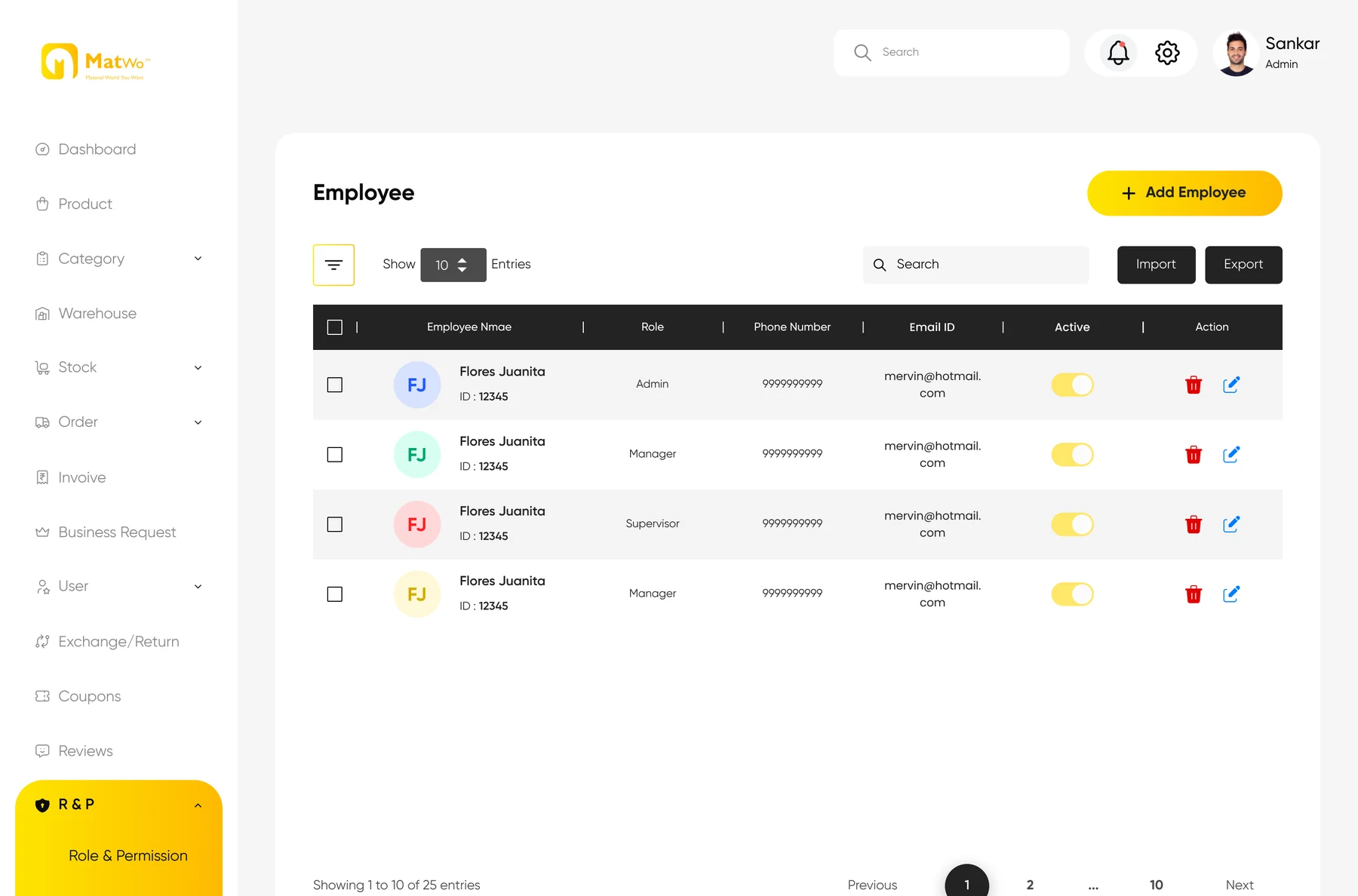 Roles and employees
- Dashboard
- Product
- Category
- Warehouse
- Stock
- Order
- Invoice
- Business Request
- User
- Exchange/Return
- Coupons
- Reviews
- Roles and permission
The thirteen modules in the admin sidebar.
Business verification
Each request shows the company, contact and GSTIN, with Accept and Reject on the card.
Two prices per product
B2C pricing and B2B pricing are set side by side when a product is added.
Orders, split
General orders and business orders get their own tables and their own totals.
Roles and permissions
Employees, their roles and who is active.
My role, 0 to 1
- Product and UX strategy
- Information architecture
- User flows
- B2C and B2B journeys
- Wireframes
- High-fidelity UI
- Design system
- Responsive web
- Admin dashboard
- Interaction and state design
- Edge cases and error states
- End-to-end prototype
Outcome
One connected platform: B2C shopping, verified B2B purchasing, EMI for the larger orders and the admin to run all of it.
There was nothing to redesign. Every screen, flow and component started as a blank file.