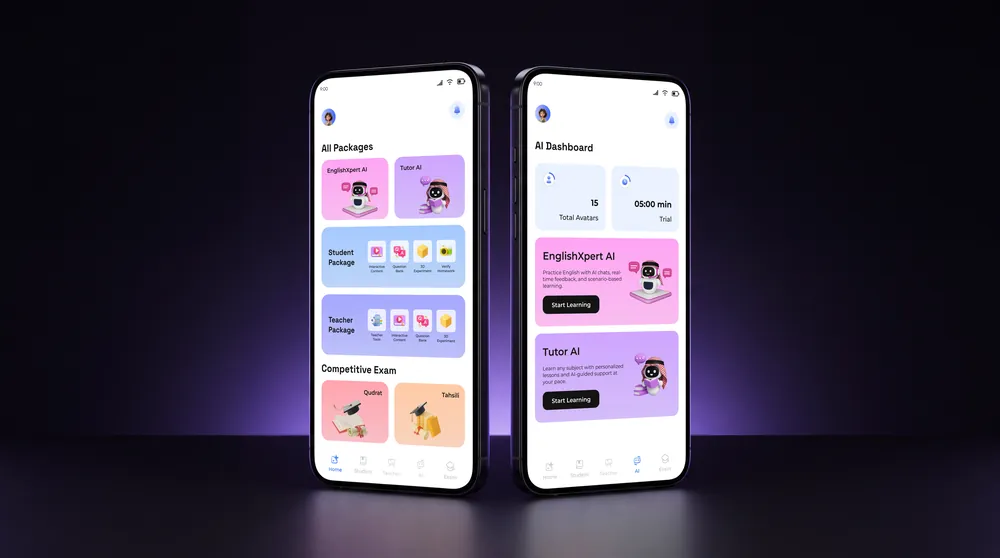
Kashcool, Phase 2
Same tools, new front door. Students browse every grade first, buy the one they want, then follow a path they can see.
Overview
Phase 1 gave Kashcool its tools. Phase 2 changed how students reach them.
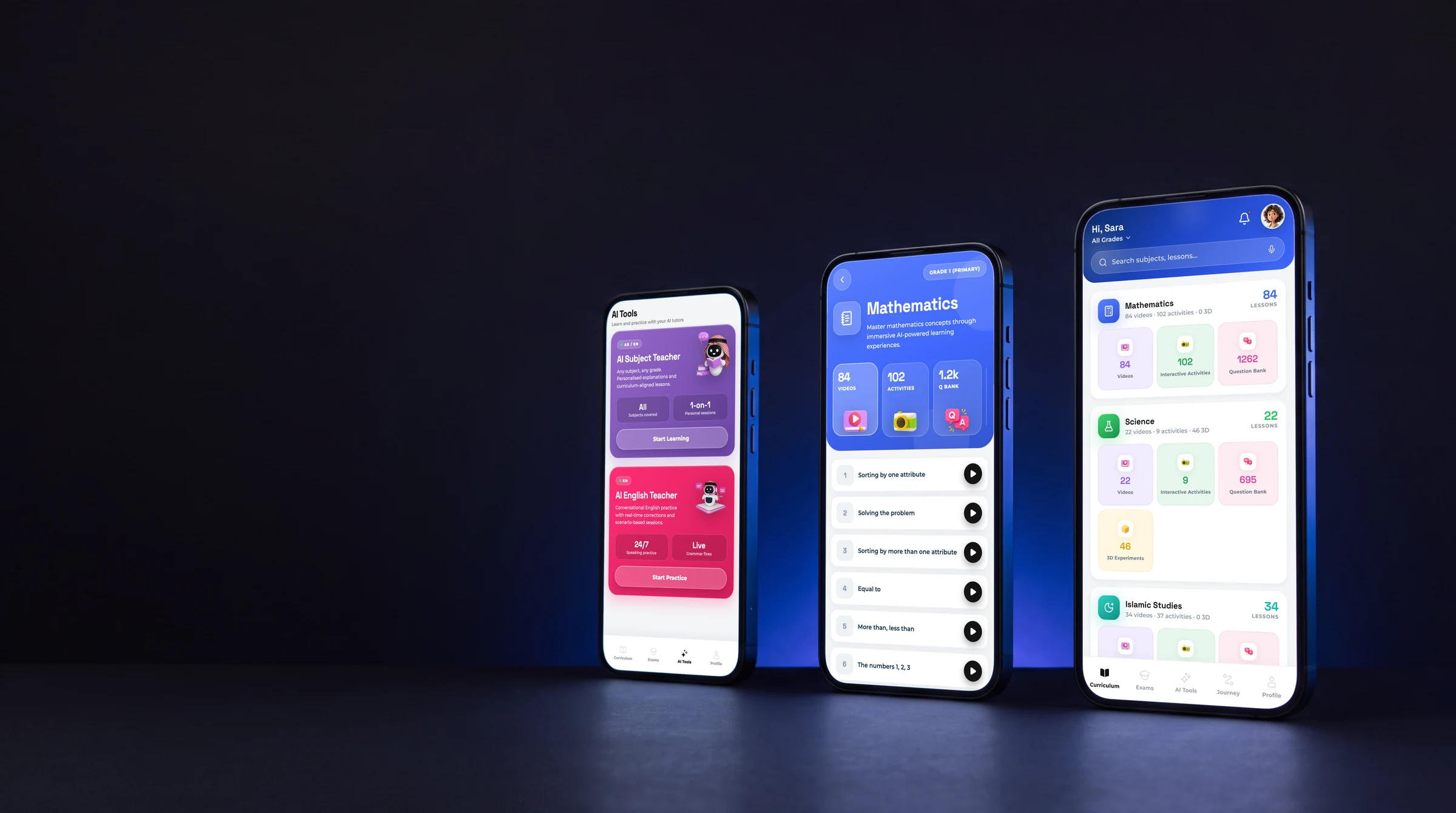
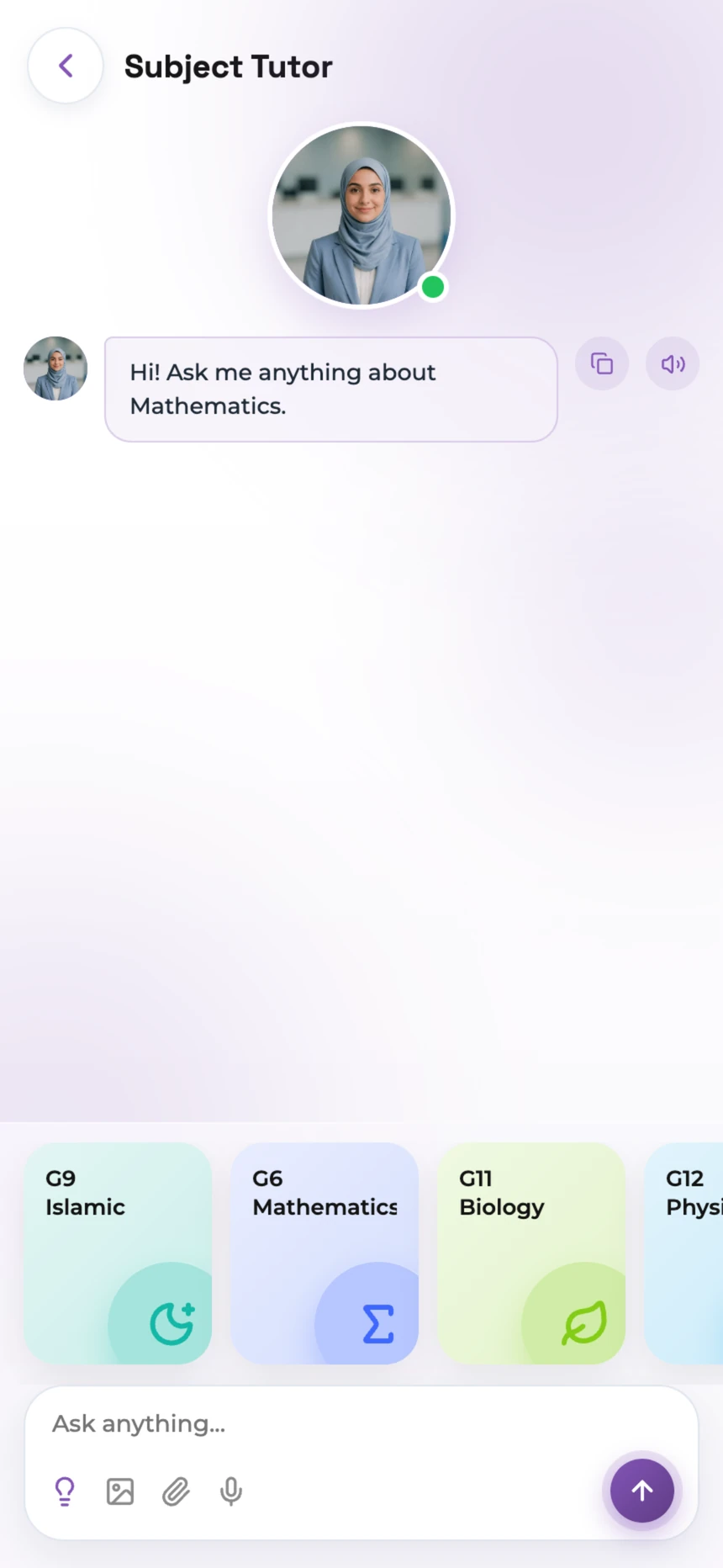
Nothing was taken away: interactive content, Question Bank, 3D Experiments, AI Tutor, English Expert, Qudrat and Tahsili are all still here. What changed is the shape of the product. It now works like a library: walk in, look around, then decide what to study.
The screens here are from the mobile app.
- 5 to 10minutes of open access before a student has to buy anything
- 7learning tools carried over from Phase 1
- 5steps from first open to learning
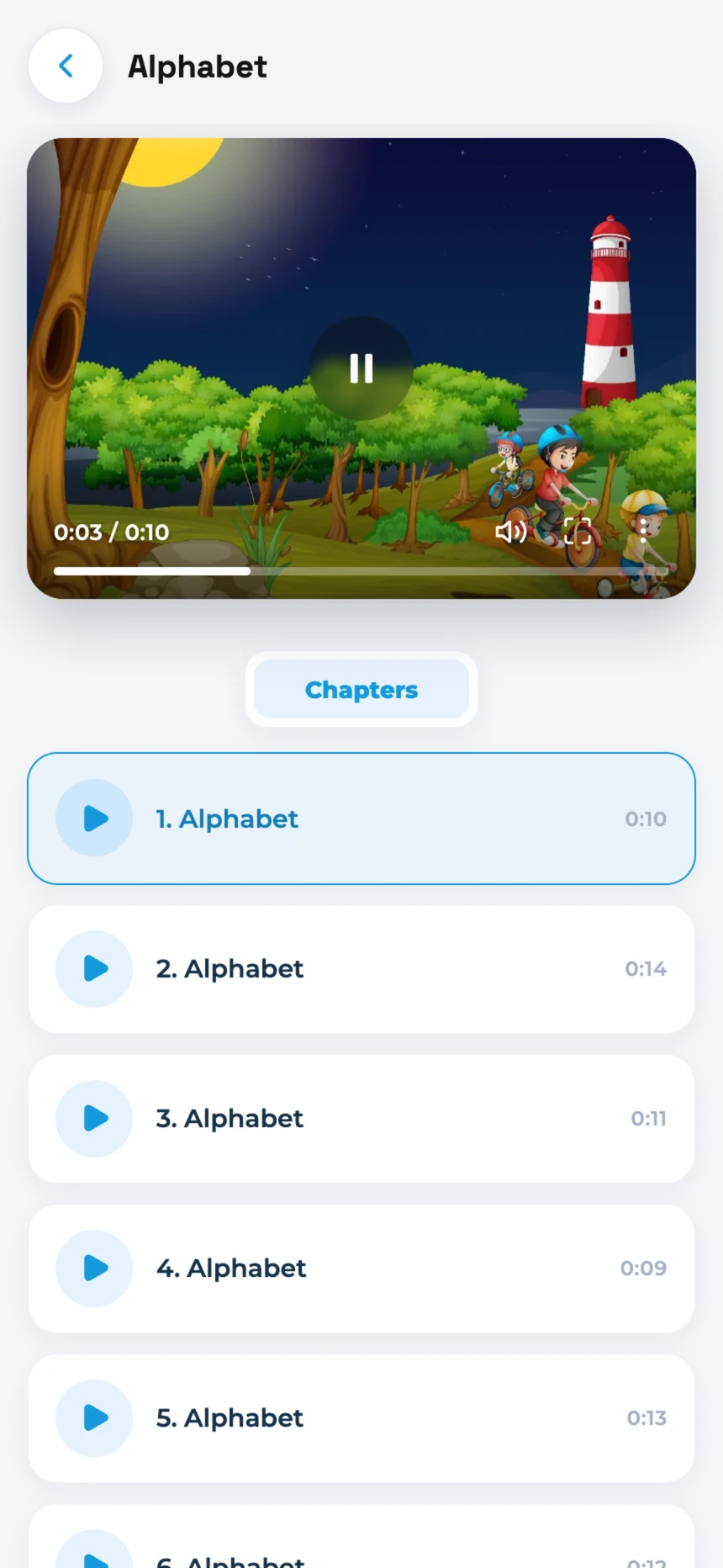
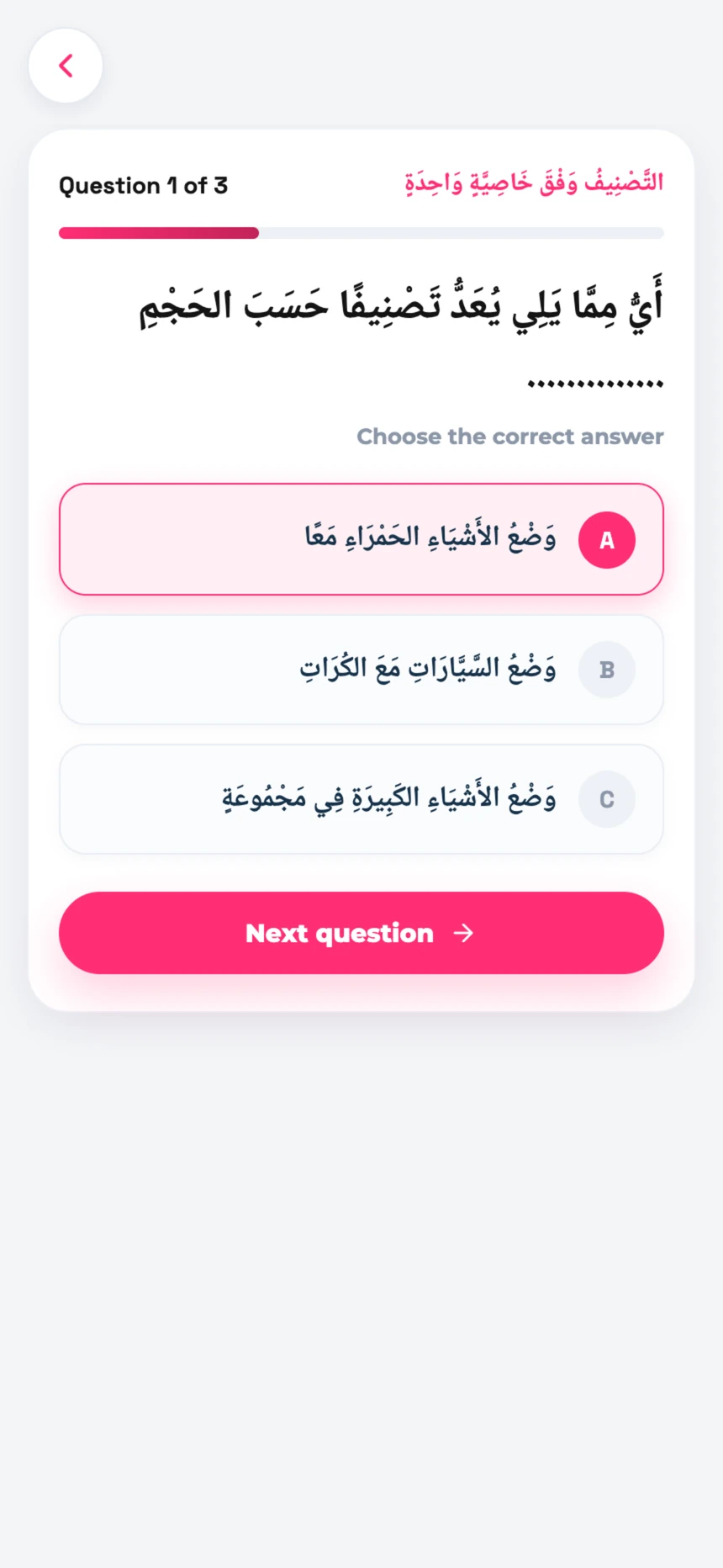
- 3stops in every lesson: videos, activities, quiz
The challenge
Before, a student arrived through a package or a grade they had already paid for. They bought first and found out what was inside second.
How might we let students find the right learning path, and then show them clearly how far along it they are?
Buy first. Look later.
Look inside first. Then buy the grade.
The new way in
Open to anyone for the first 5 to 10 minutes
- Explore
- Experience
- Choose
- Purchase
- Learn
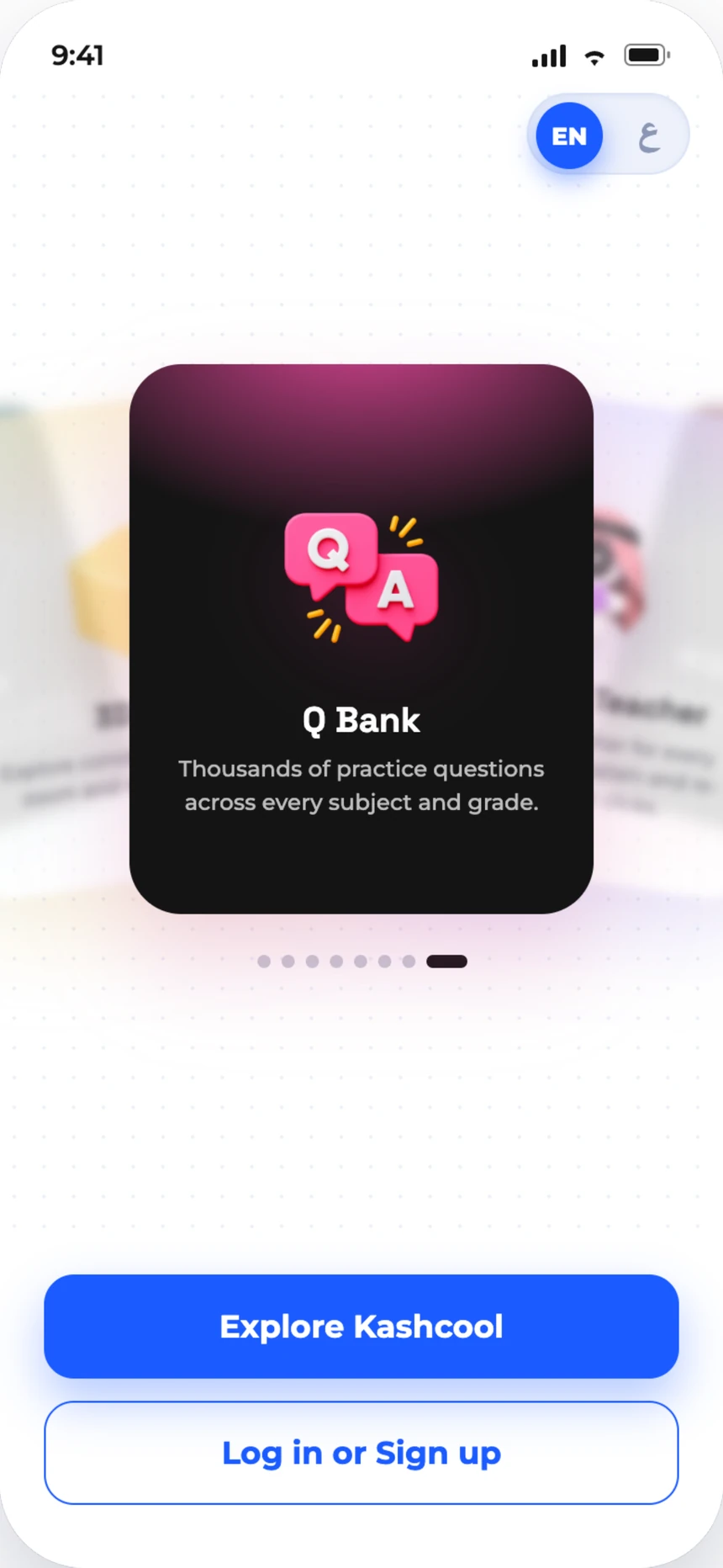
Explore before you buy
The first button is Explore Kashcool. Log in sits underneath it, which tells you where the priority went.
A student gets 5 to 10 minutes to open grades, try lessons and judge the platform for themselves. When they find their grade, they buy it and the rest of that grade unlocks.
- Every grade open to browse
- A timed first look, no payment
- Buy one grade, unlock all of it
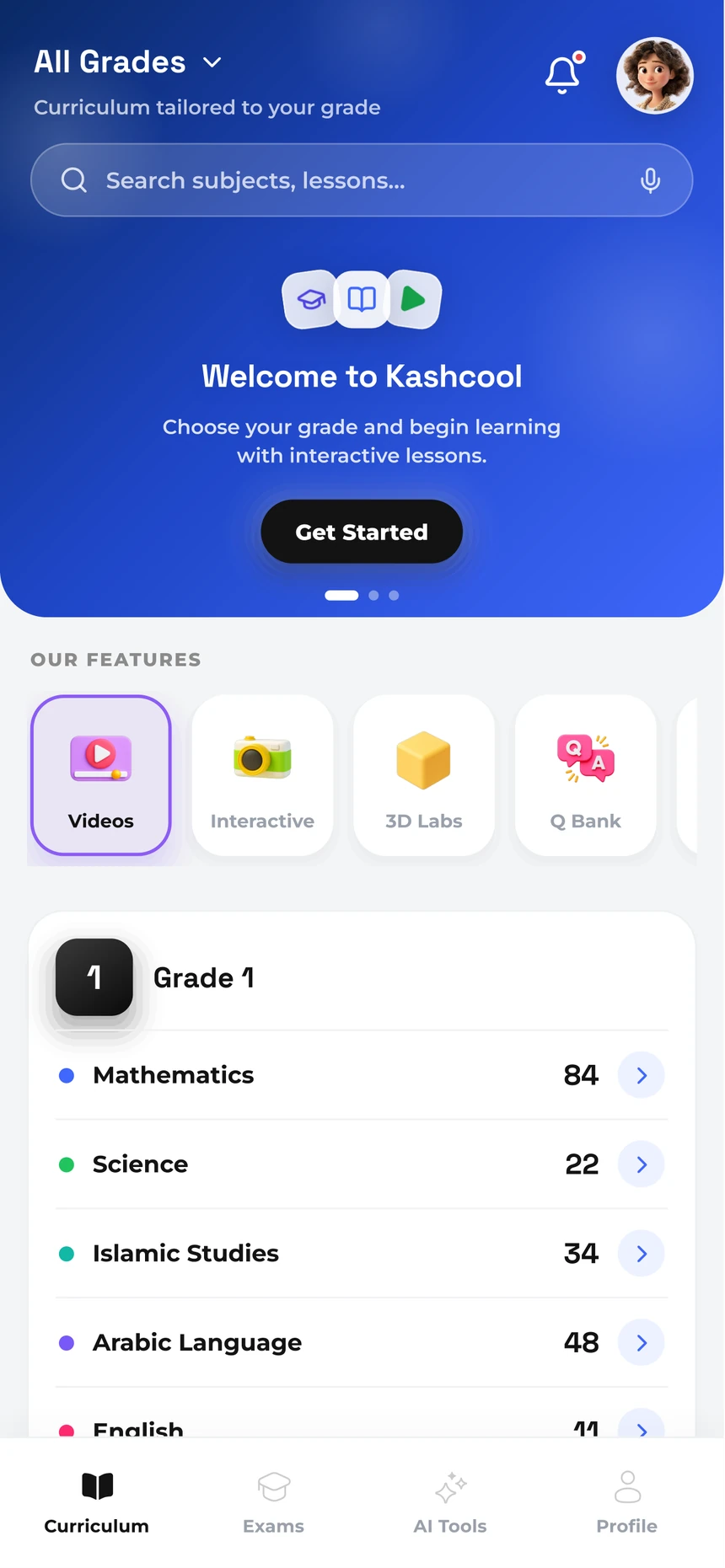
A library first, then your shelf
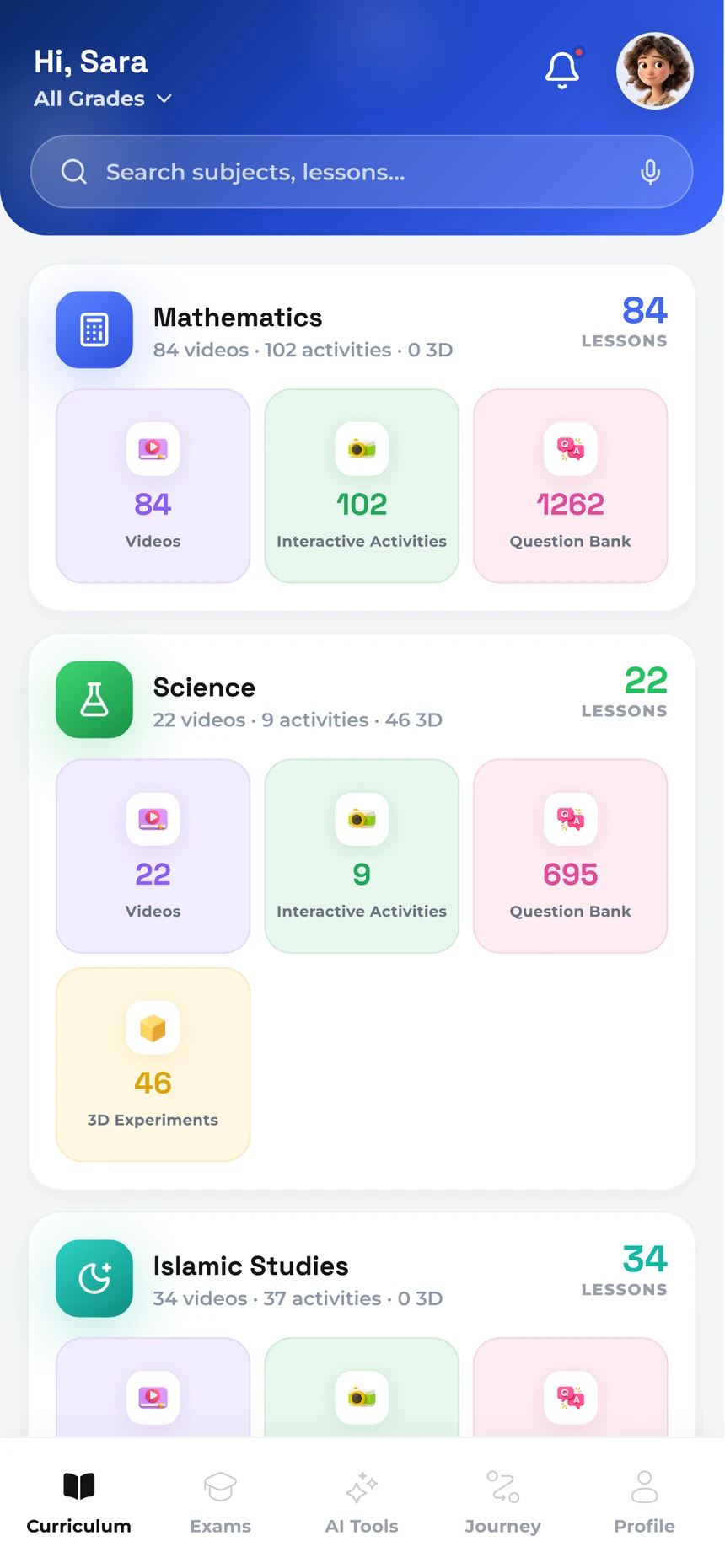
Before a purchase, home is the whole library: every grade and its subjects, with the numbers on show.
After it, the same screen turns personal. It greets the student by name, lists their own subjects with what is inside each one, and adds a Journey tab to the navigation.
Change 2 of 2: the lesson journey
Lessons used to sit in a list. Now each one is a path with three stops: videos, activities, quiz.
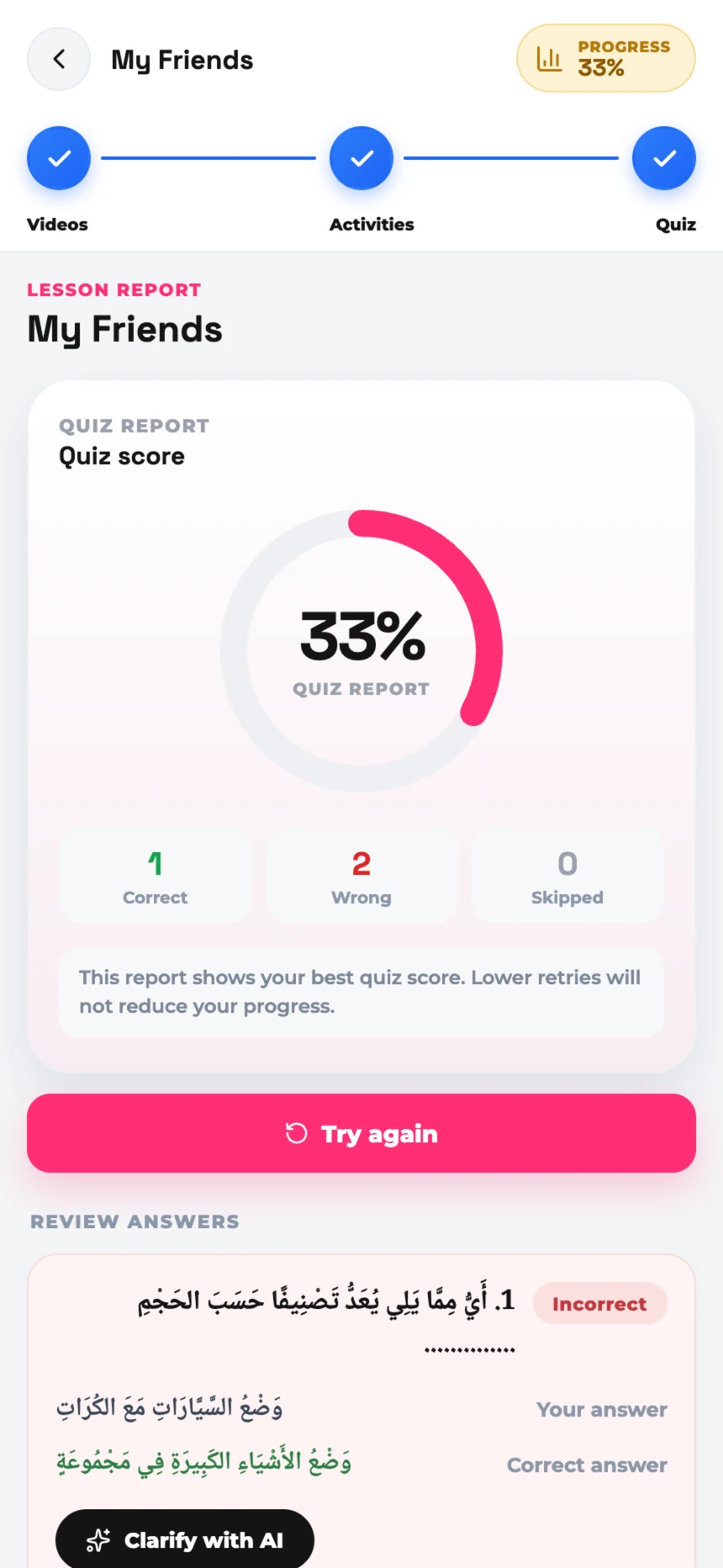
Progress used to be hidden inside the product. Now it is at the top of the screen.
What a student can read at a glance
- Where they are now
- Lessons completed
- What comes next
- Overall progress
- Completed and upcoming topics
- The path through subjects and units
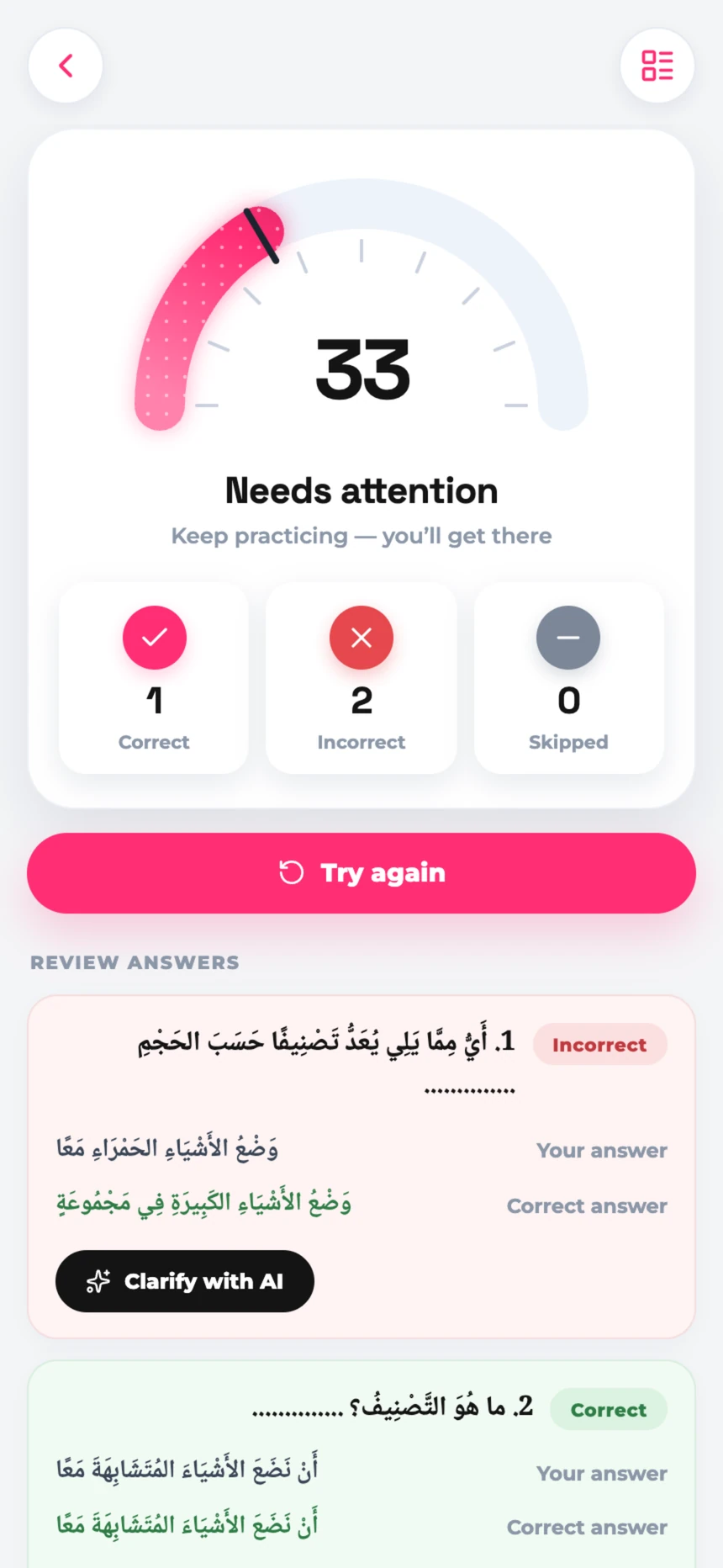
One lesson, start to finish
Five screens, in the order a student meets them.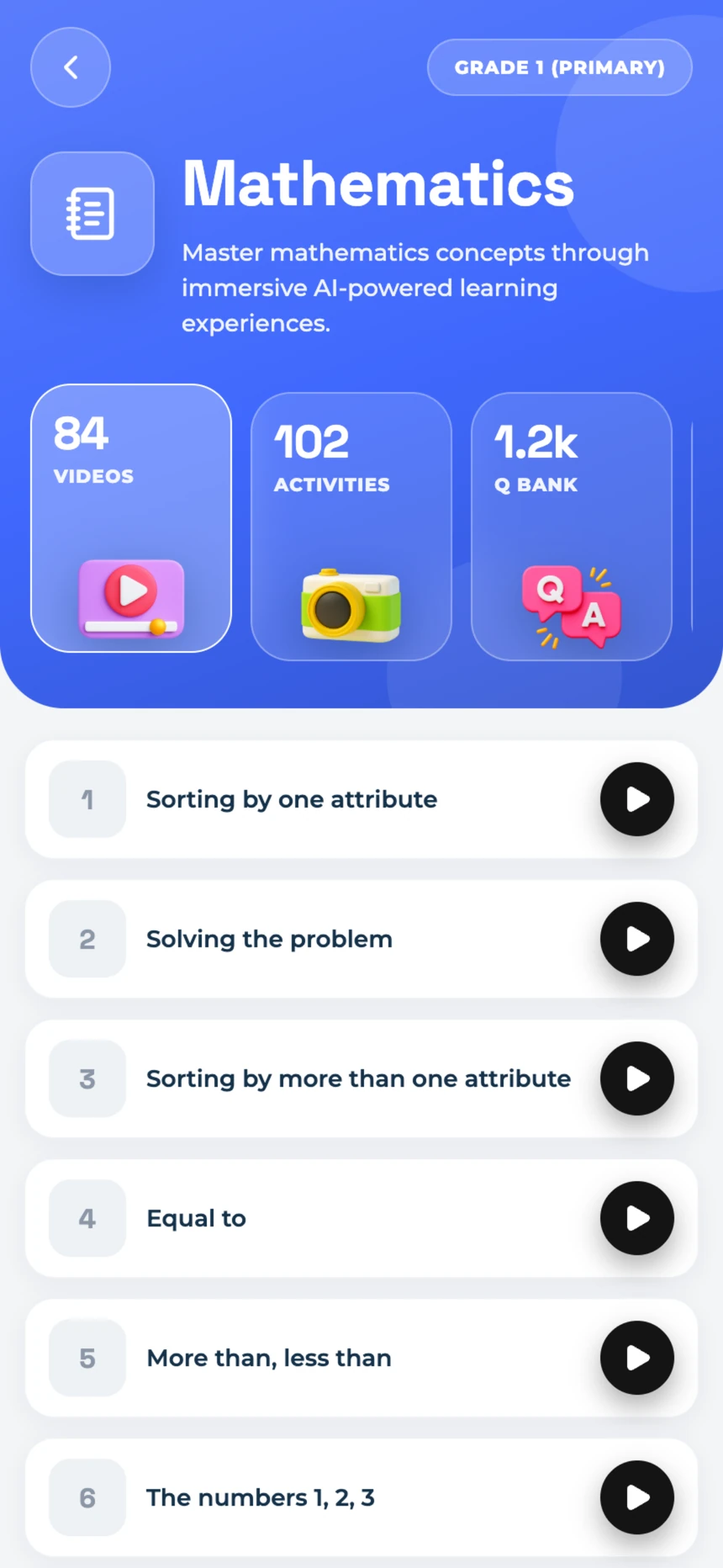
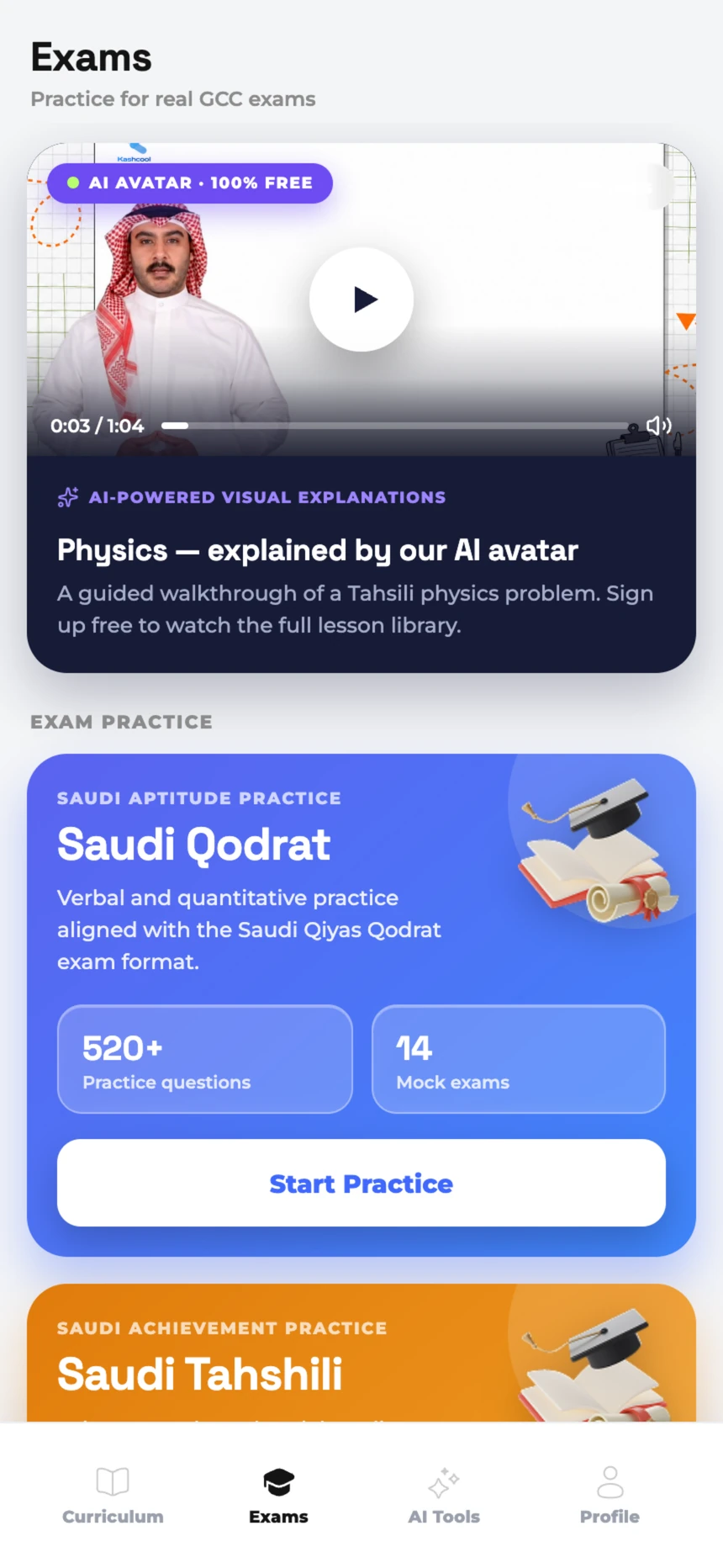
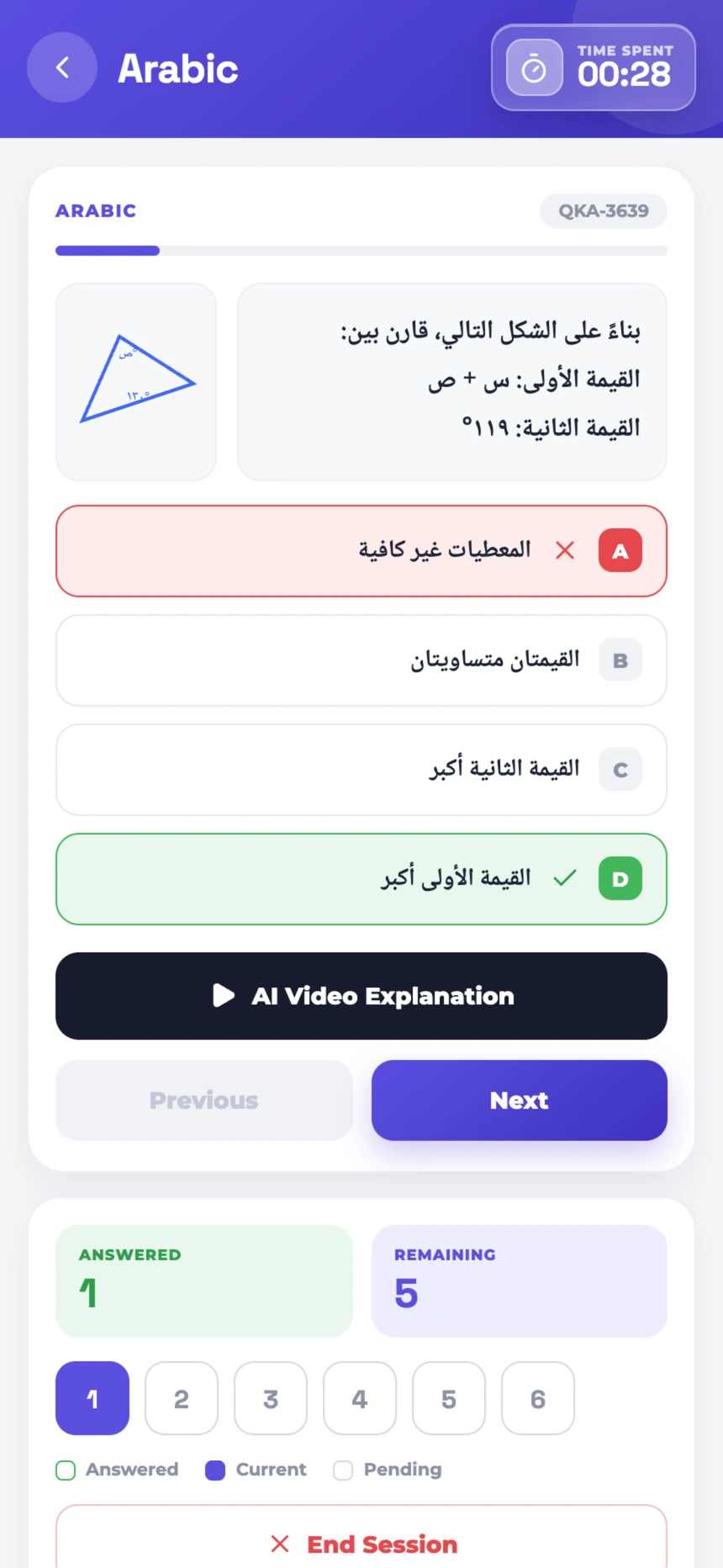
Everything from Phase 1, on the new shelves
The tools did not change. Where they live did.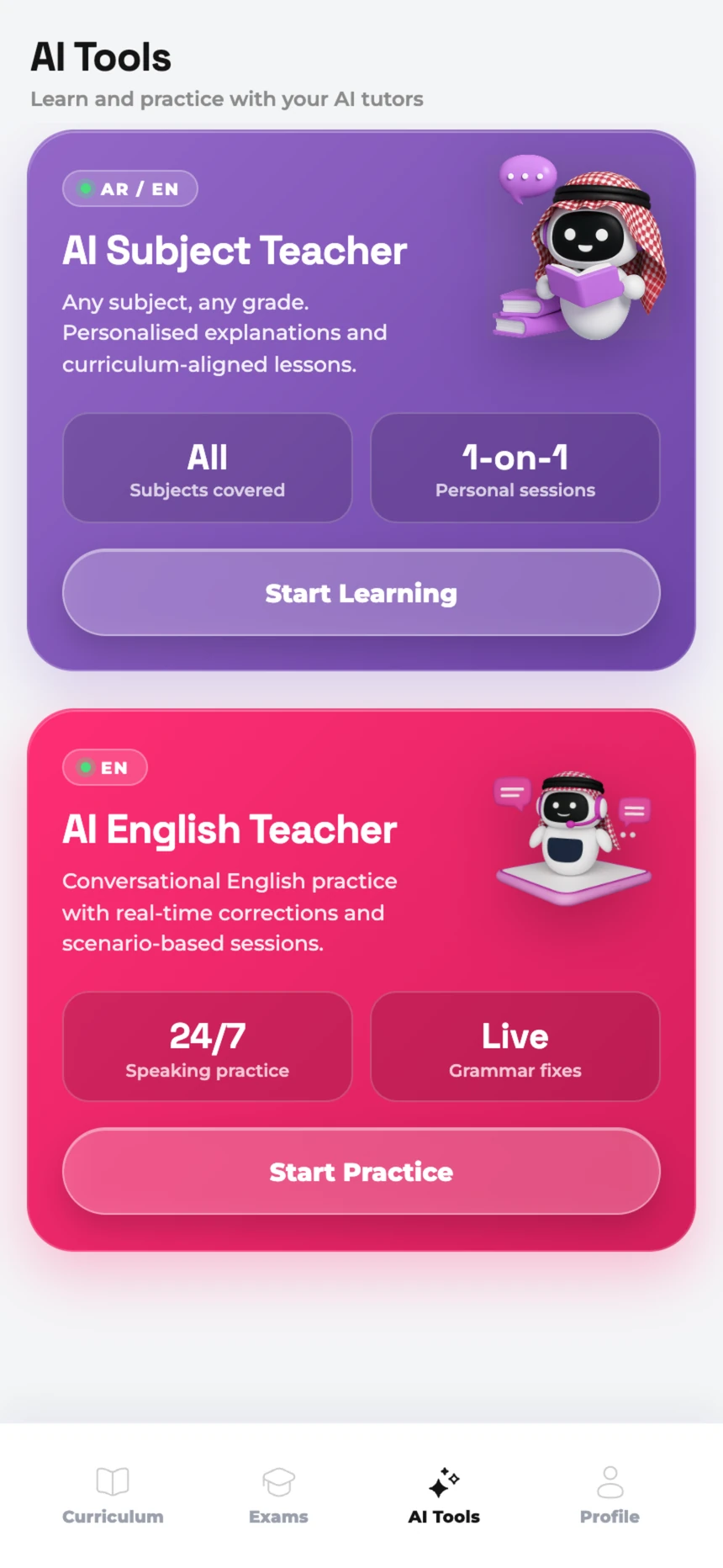
Design approach
Phase 2 was explored and iterated in Claude Design, which made it quick to try layouts and interactions before settling on one.
The direction: less like a learning management system, more like somewhere a student would choose to spend time.
Phase 2, in order
- Open exploration
- Library experience
- Personalised curriculum
- Structured lesson journey
- Visible progress
Result
Kashcool stopped being a place to access content and became a product that walks a student through it.
They can see what there is to learn, where they are, and where to go next.