Kashcool, Phase 1
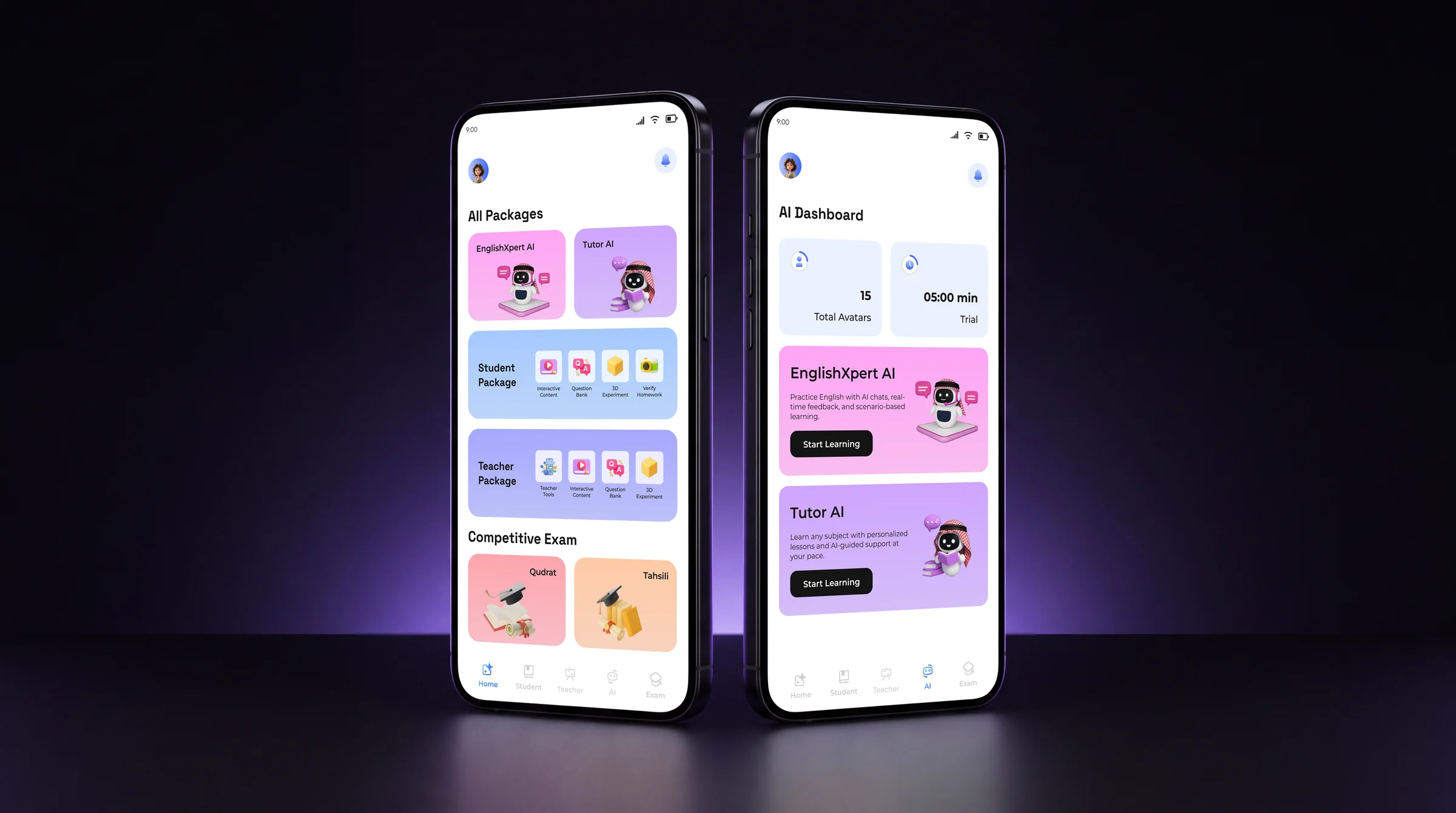
A video-lesson app for students in Kuwait and Saudi Arabia, rebuilt as a place to learn, practise, ask and experiment.
Overview
Kashcool is an ed-tech platform for students following the Saudi curriculum. It began as a library of video lessons.
I led the redesign that turned it into a place to learn, practise, ask questions and experiment, and gave it a brand identity to match.
- 3learning areas: student, AI and competitive exams
- 19subjects the AI tutor answers questions in
- 11real-world scenarios for practising spoken English
- 2exams covered: Qudrat and Tahsili
The challenge
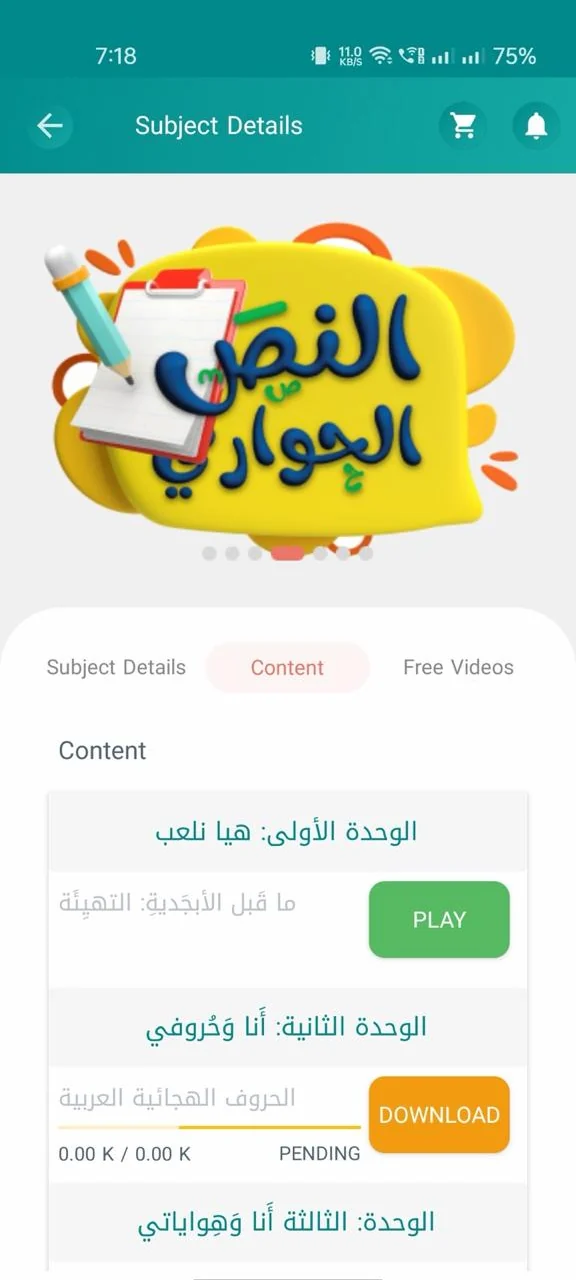
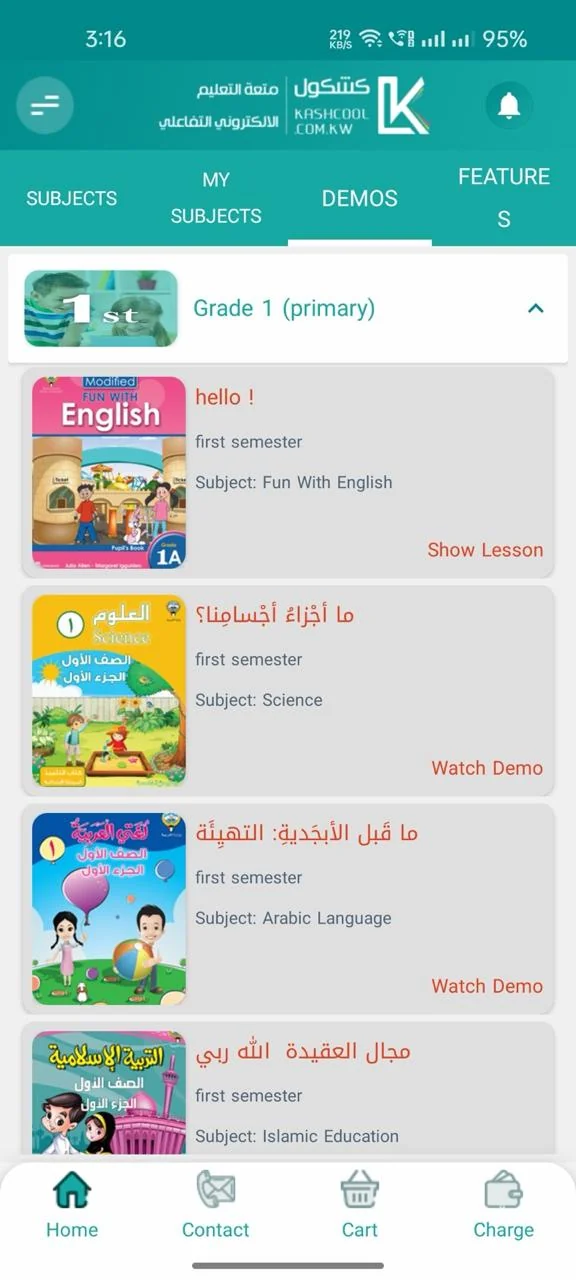
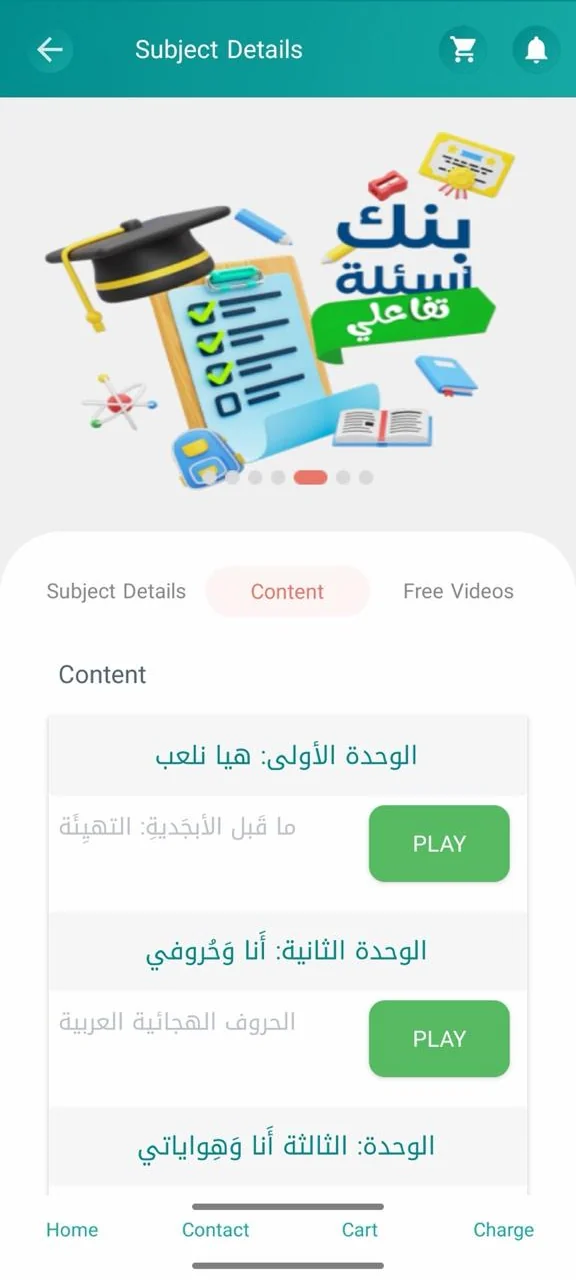
Lessons were video only. Students could watch, but they could not practise, ask a question, run an experiment or see how they were doing.
How might we turn Kashcool from a content platform into a learning companion that stays with the student through the whole journey?
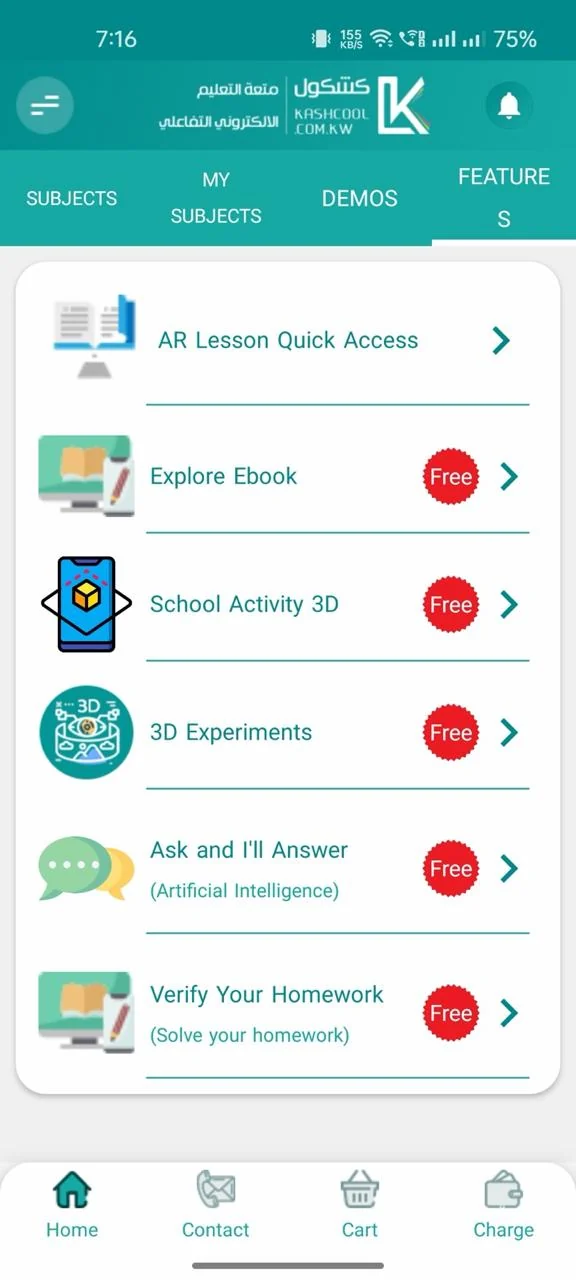
The app as it was, before Phase 1.
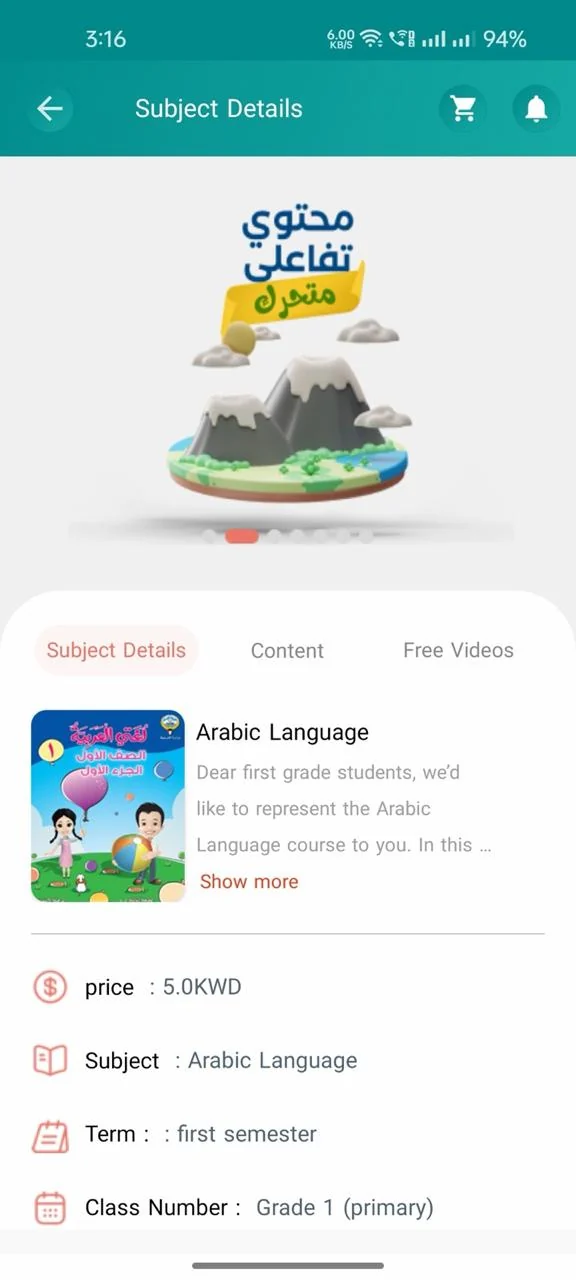
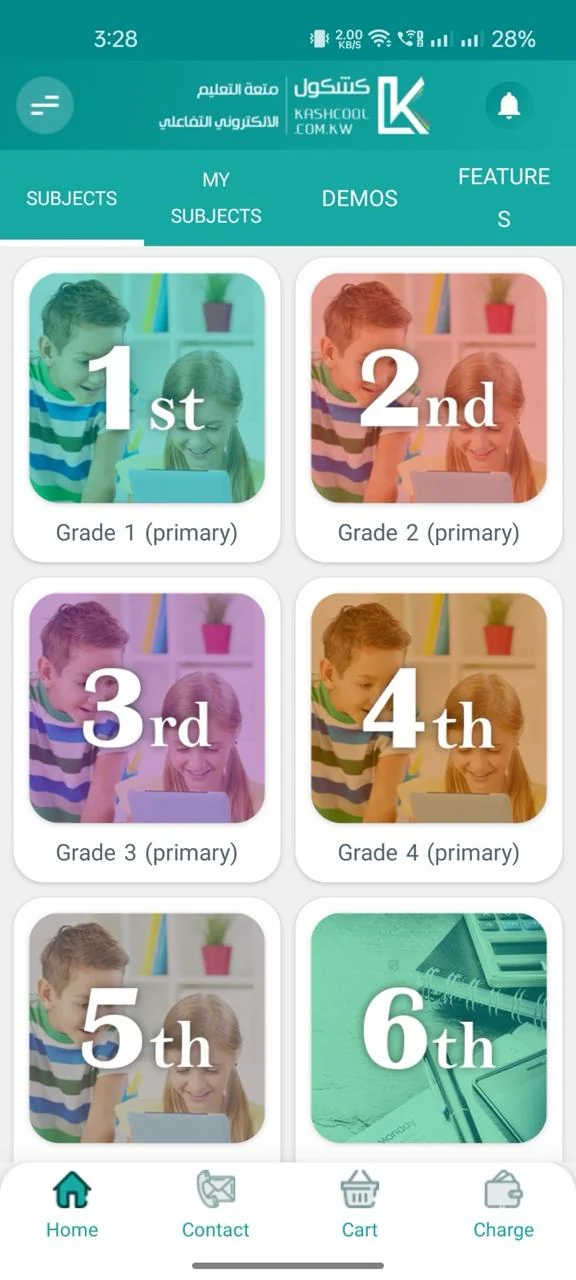
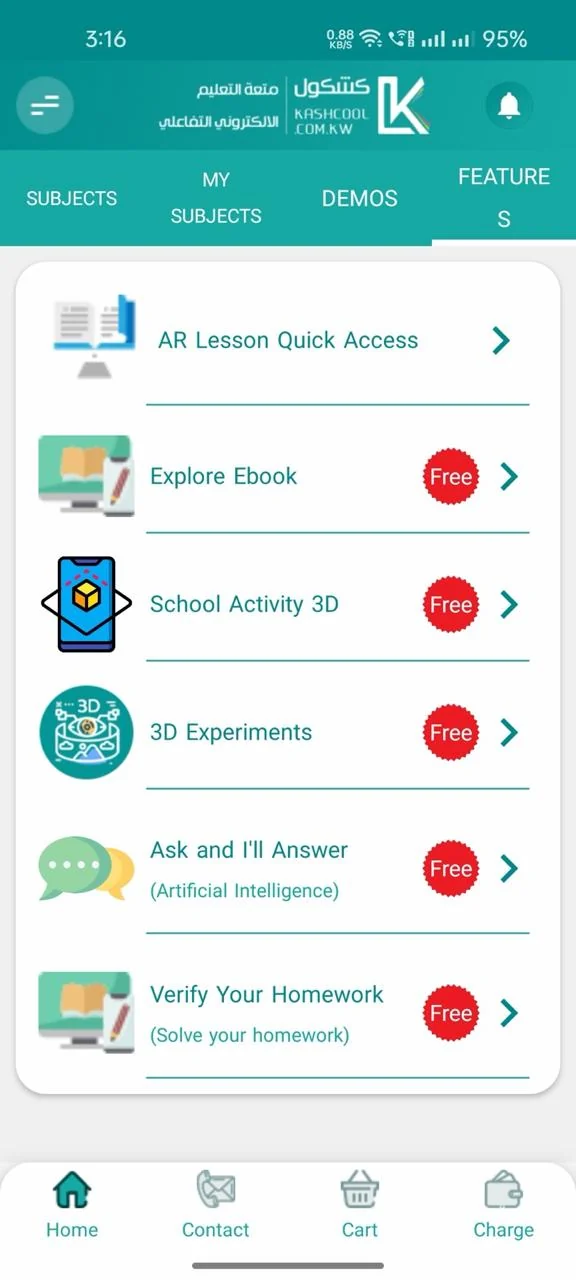
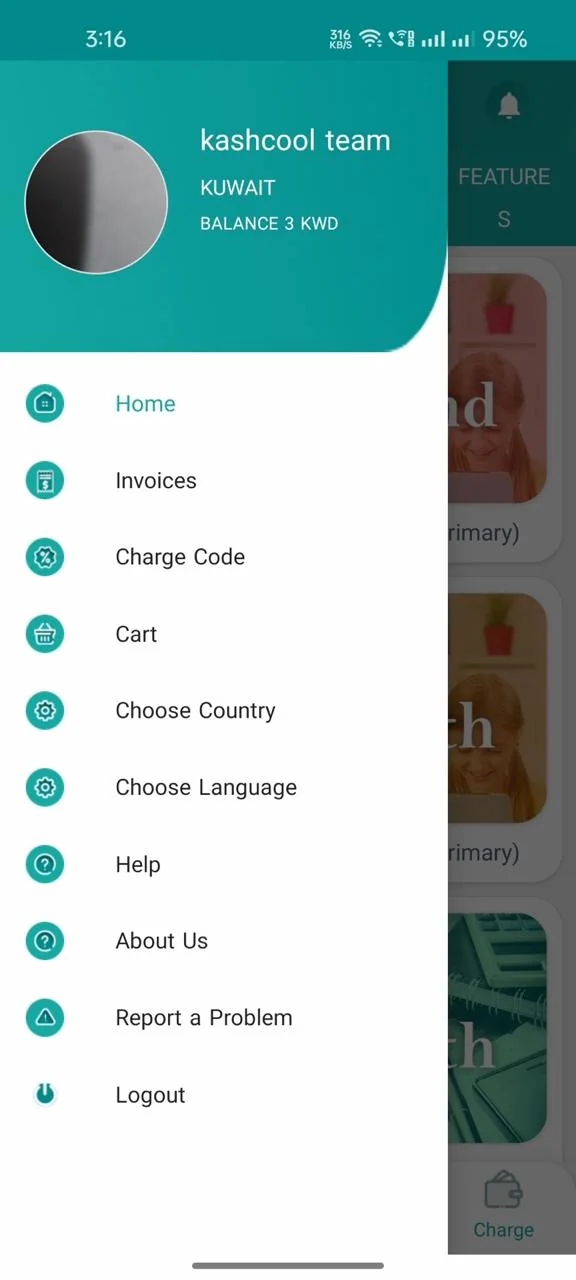
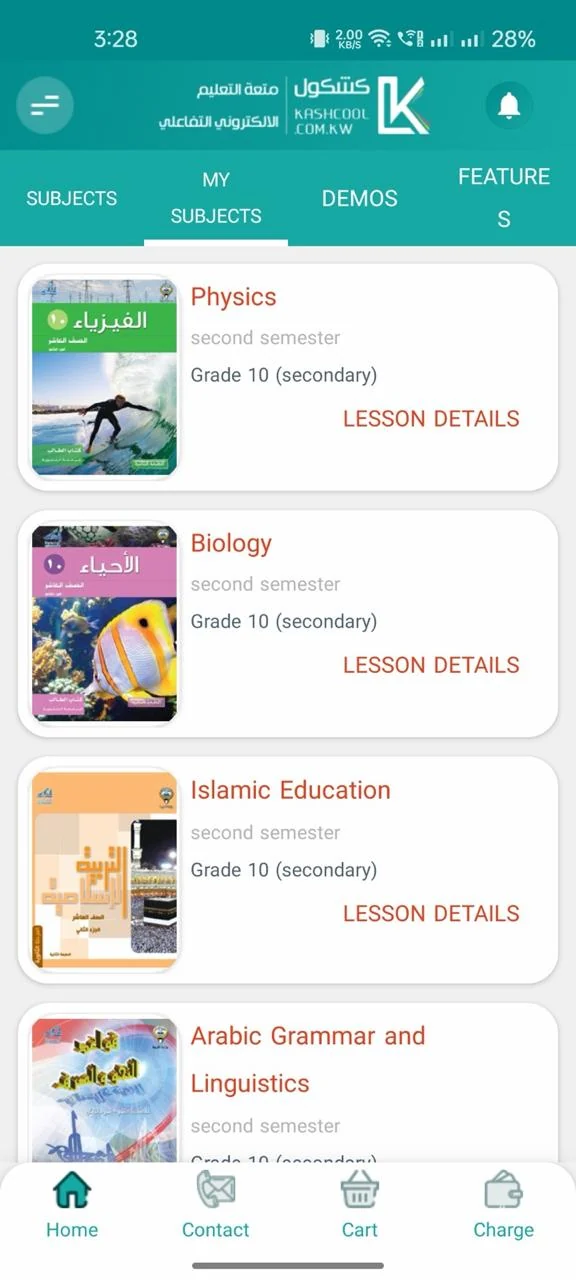
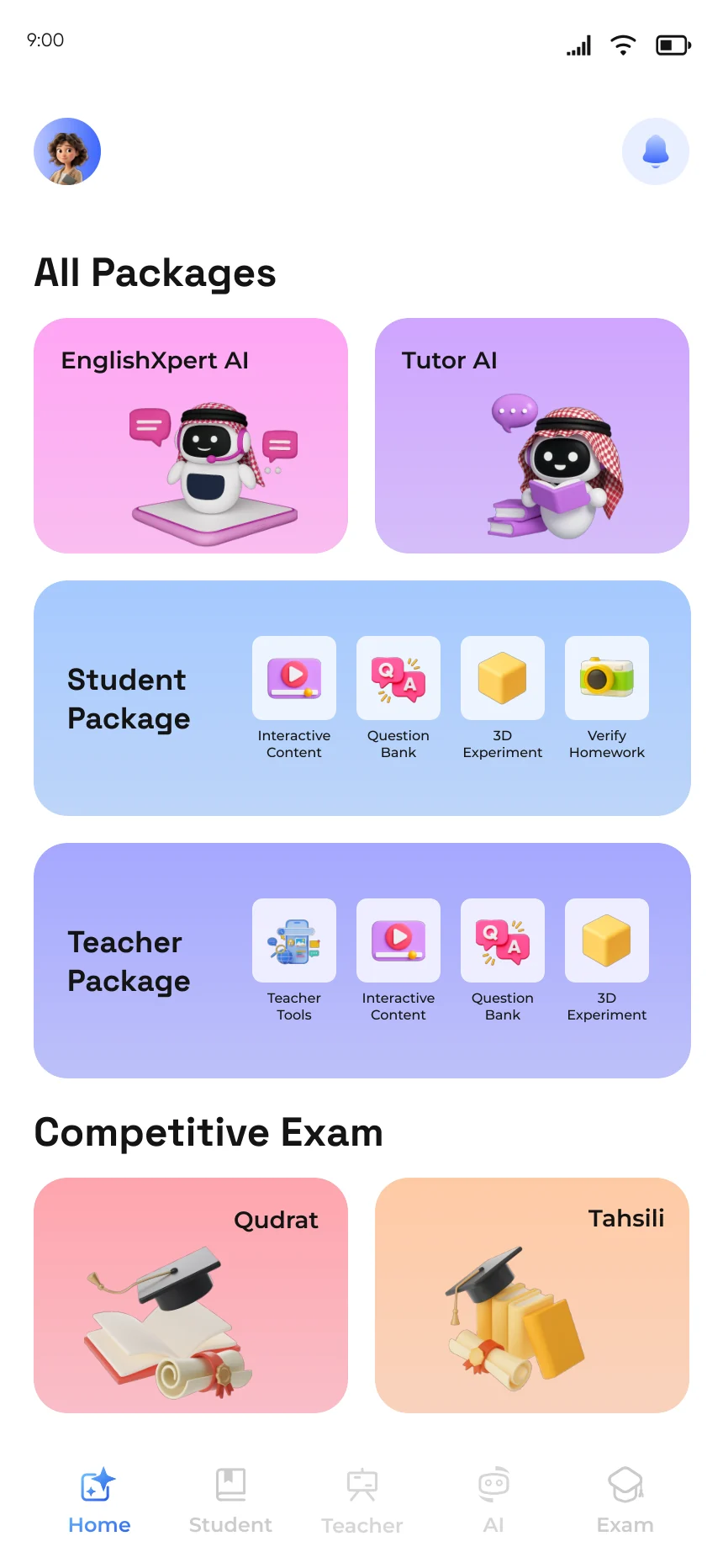
Old design, new design
The same three jobs, before and after.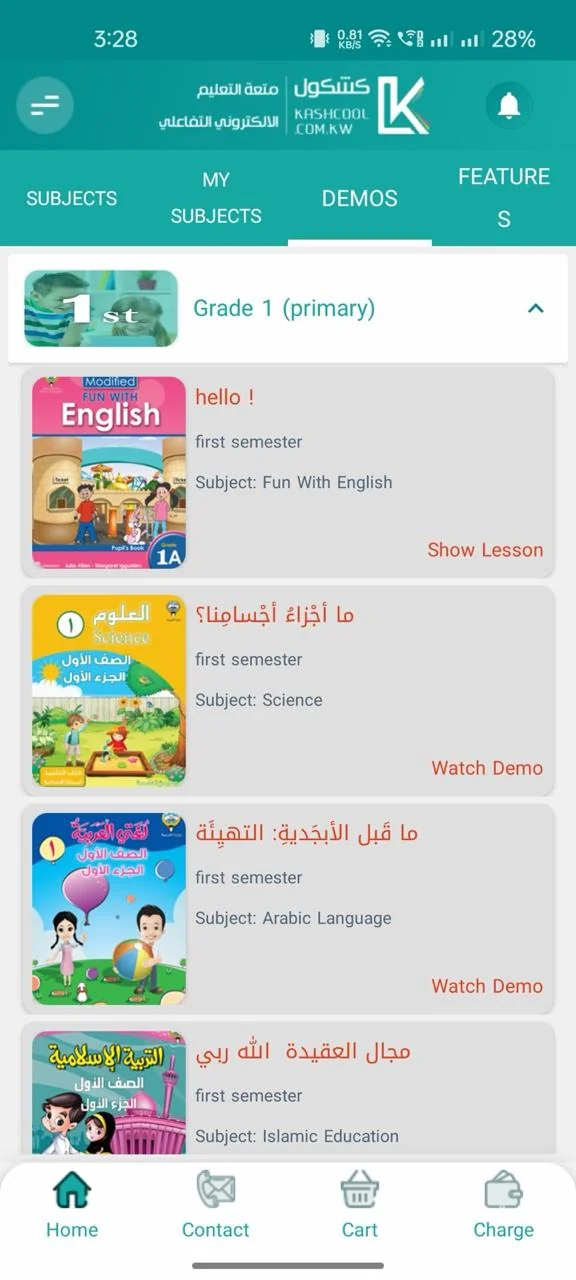
Process
Scope on this project: Research, product design, UI design, design system
- Research
- Analysis
- Ideation
- Wire framing
- Prototyping
- Usability testing
- Feedback
- UI design
- Development handoff
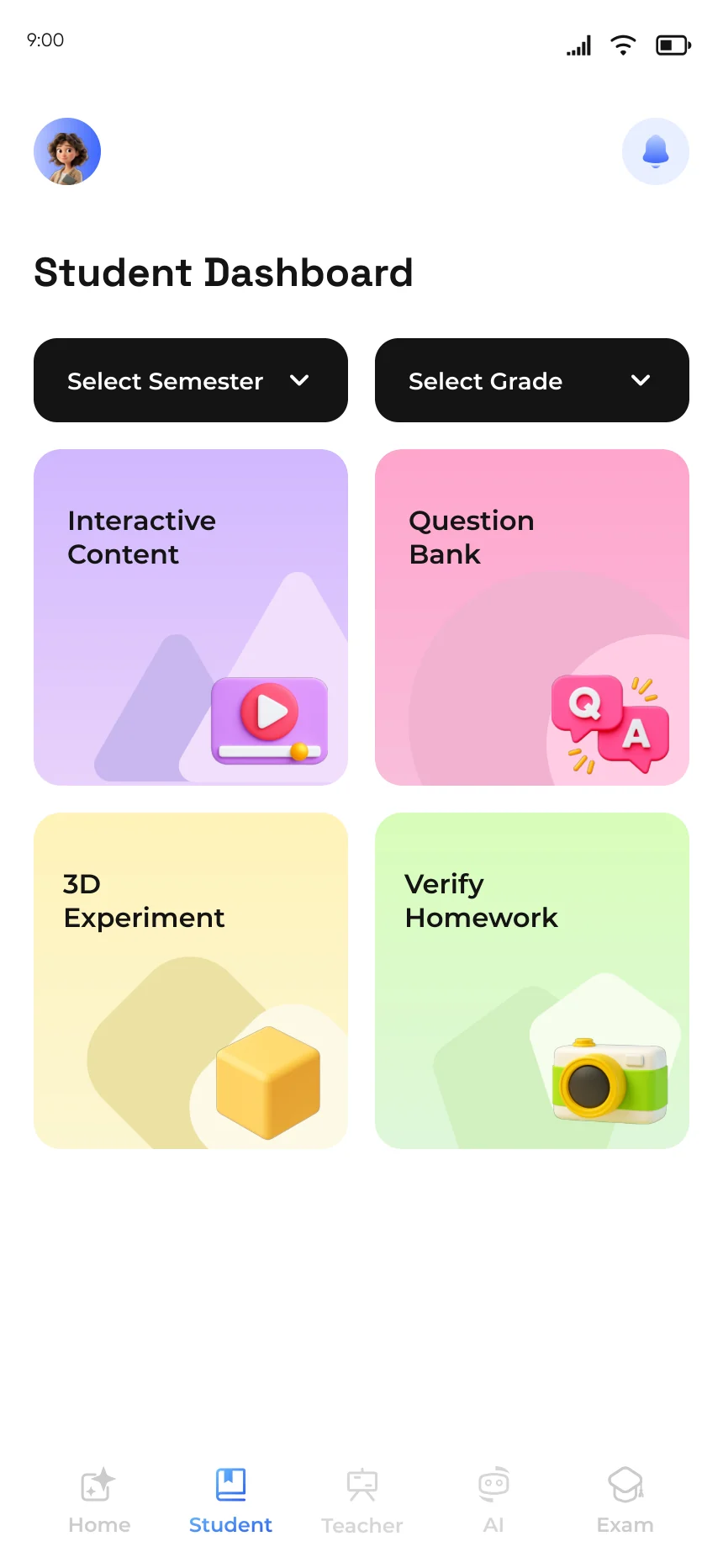
Student learning package
A lesson is now something a student does, not only something they watch.
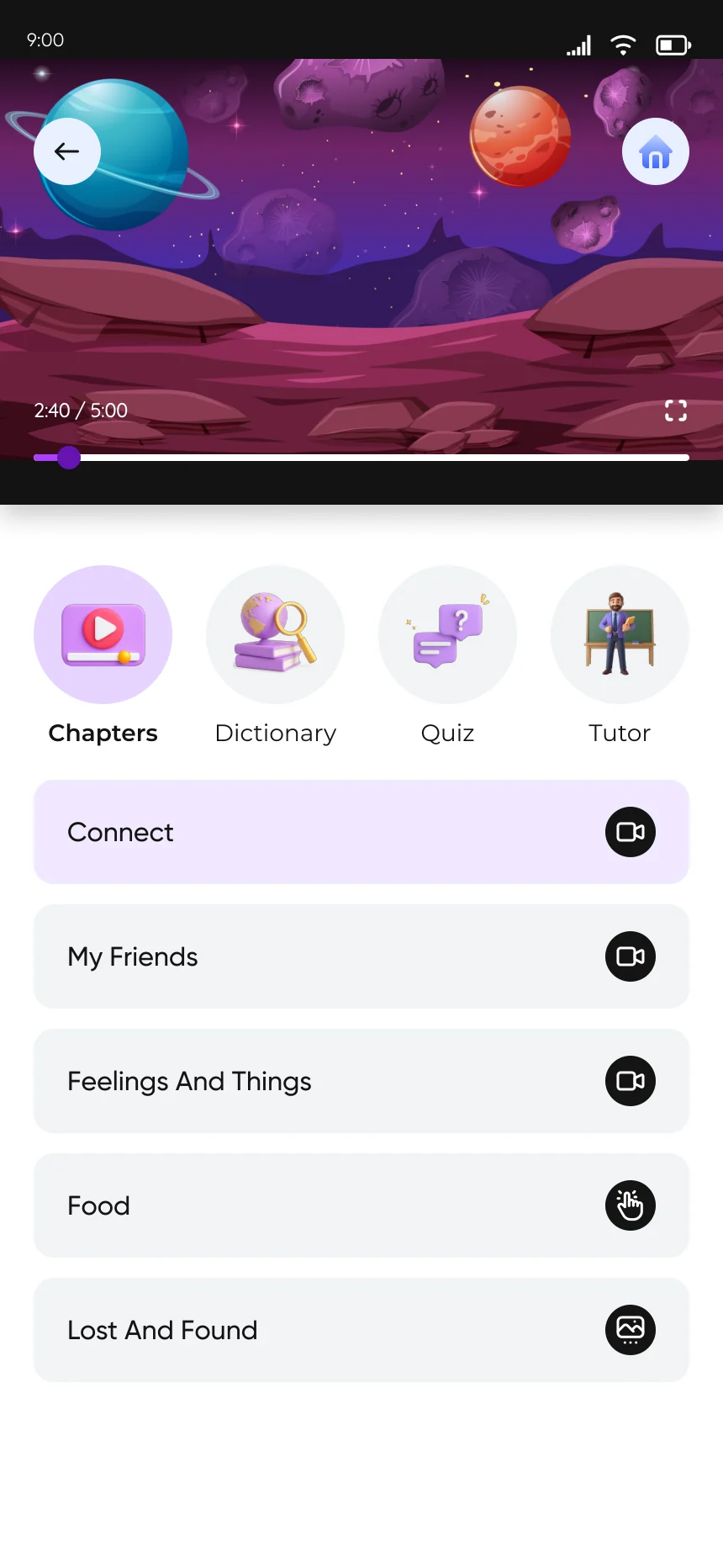
- Interactive content
- Question bank
- 3D experiments
- Quizzes
- Homework checked with the camera
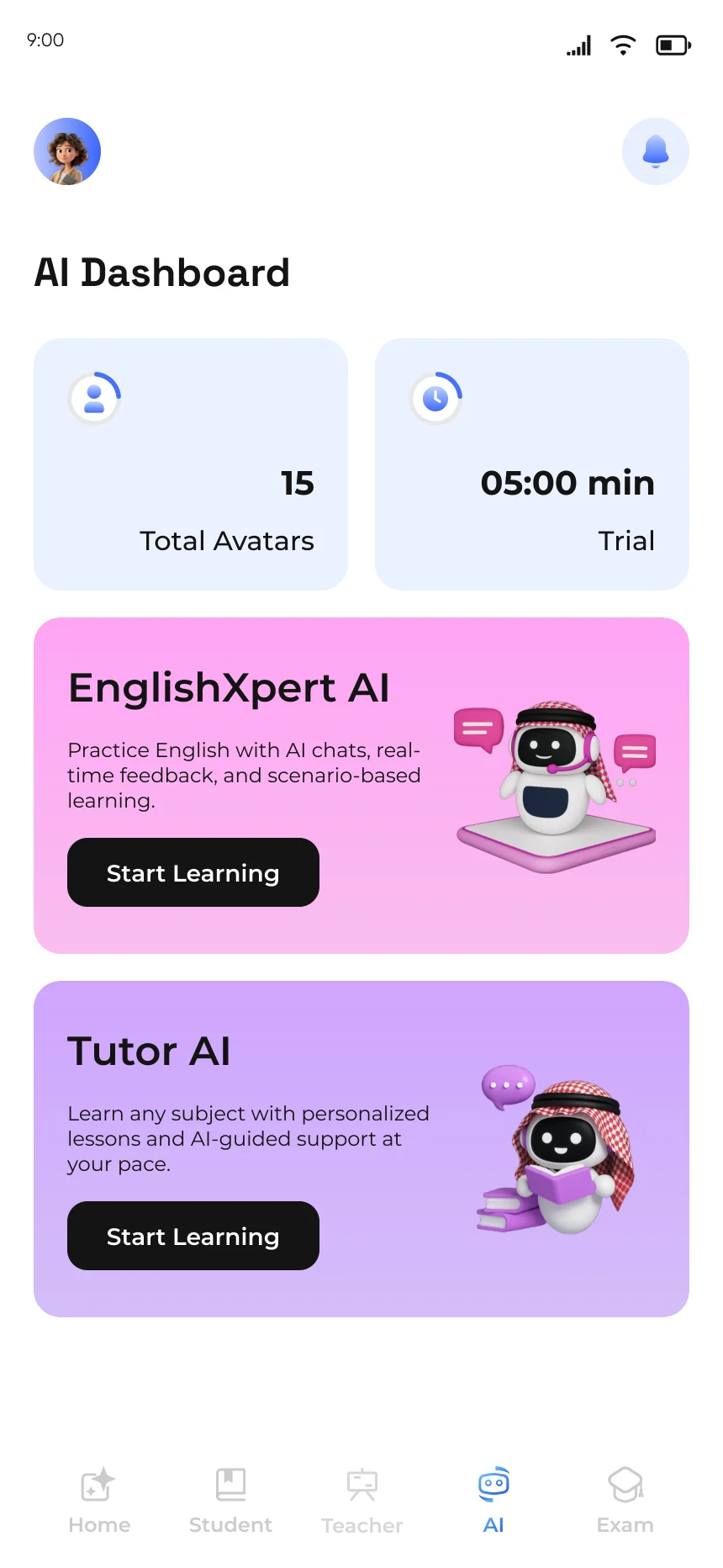
AI learning package
Tutor AI: the student picks a grade, then asks about any subject in it and gets an explanation instead of searching through lessons.
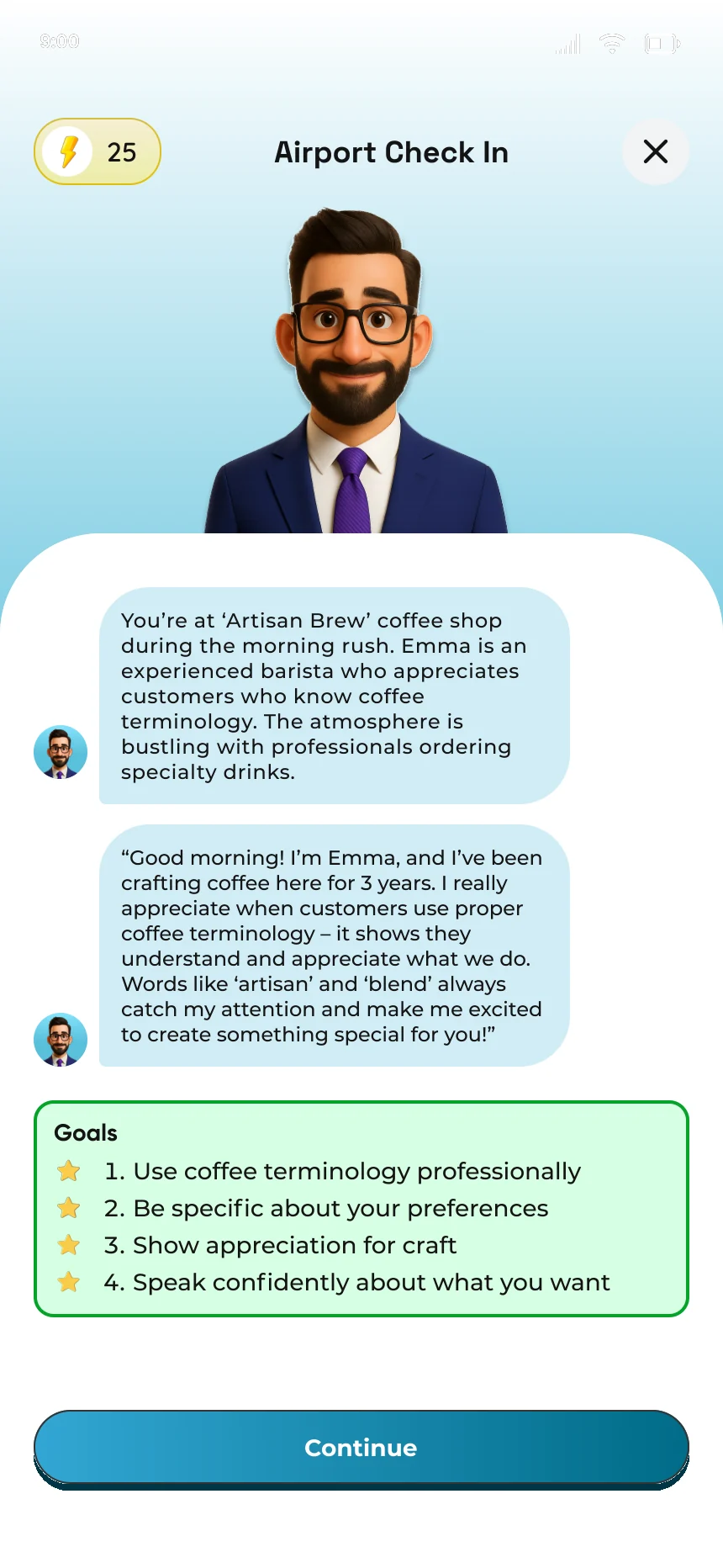
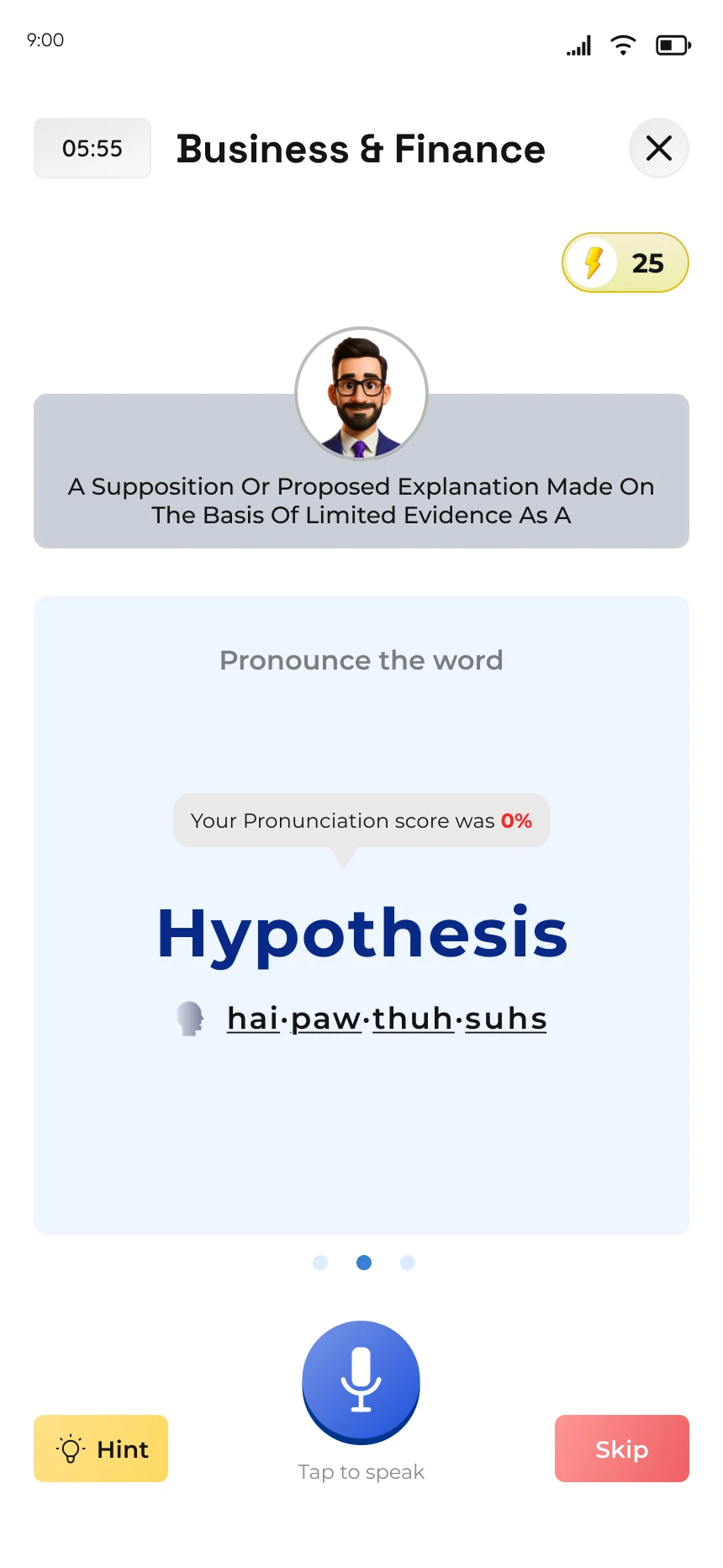
EnglishXpert AI: spoken English practised through real situations, with XP, streaks and levels to keep the habit going.
- Tutor AI across 19 subjects
- Voice conversations with an AI avatar
- Pronunciation scoring
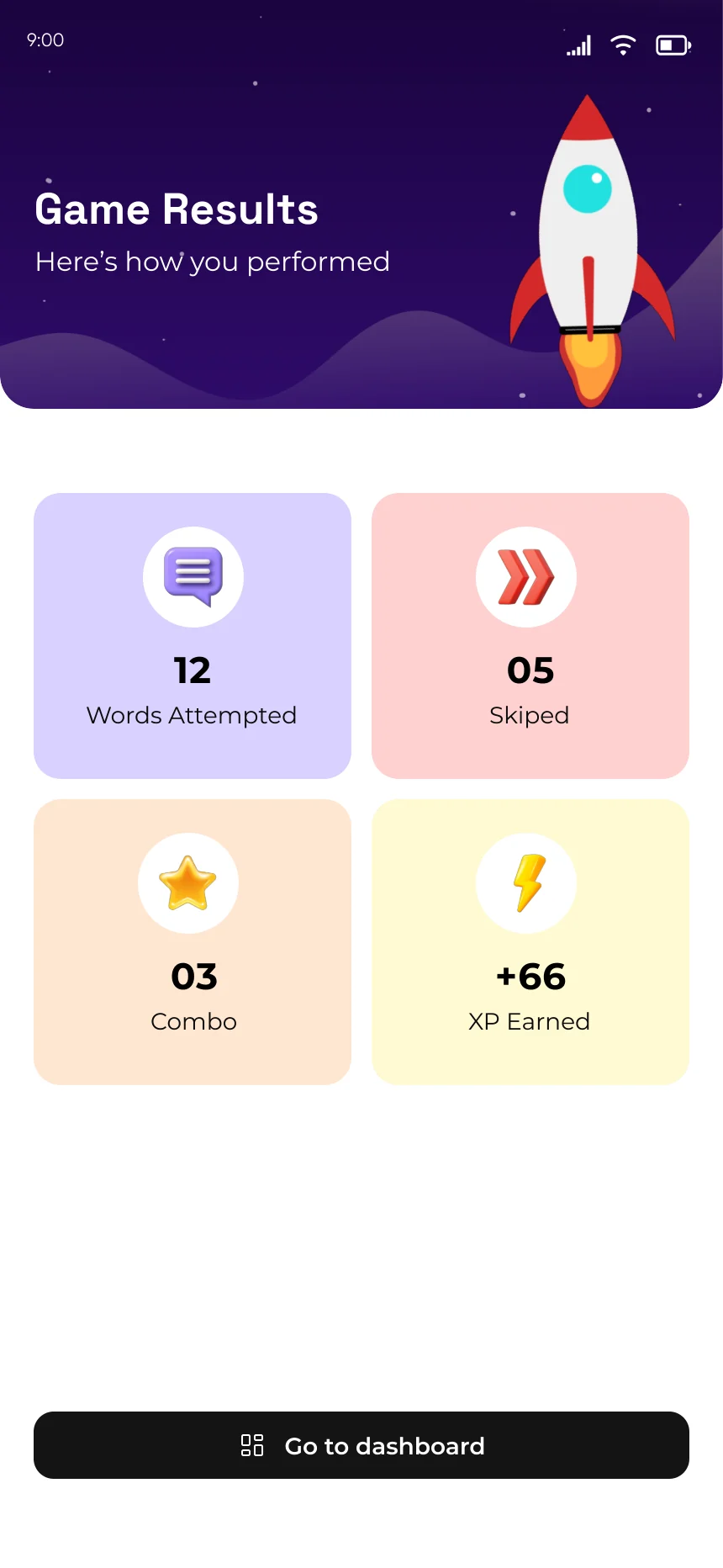
- XP, streaks and level progress
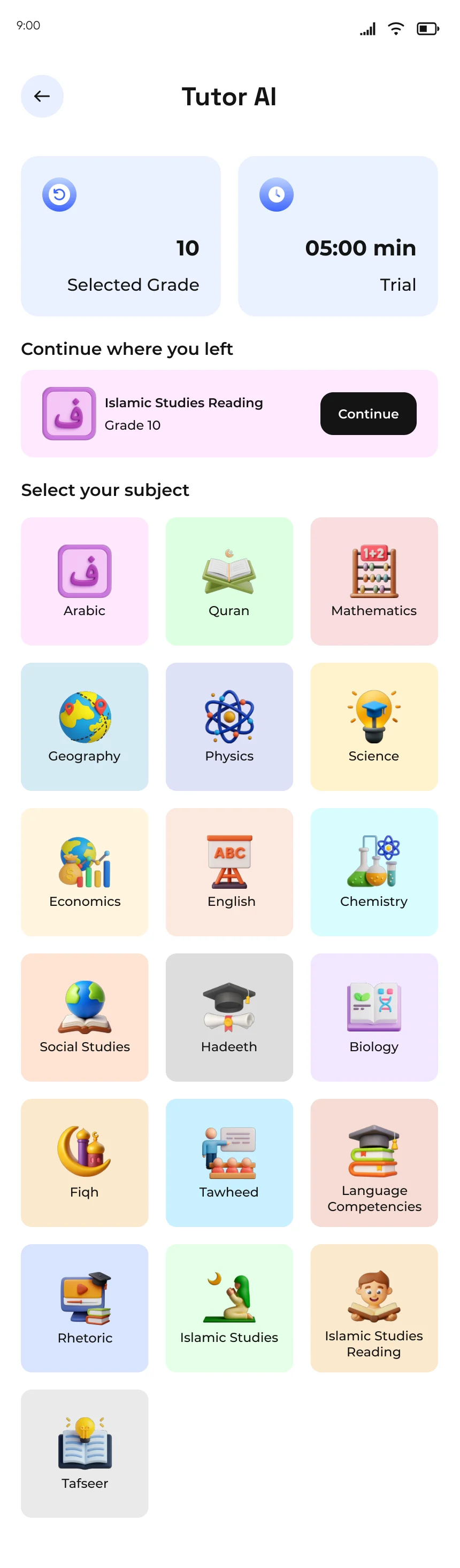
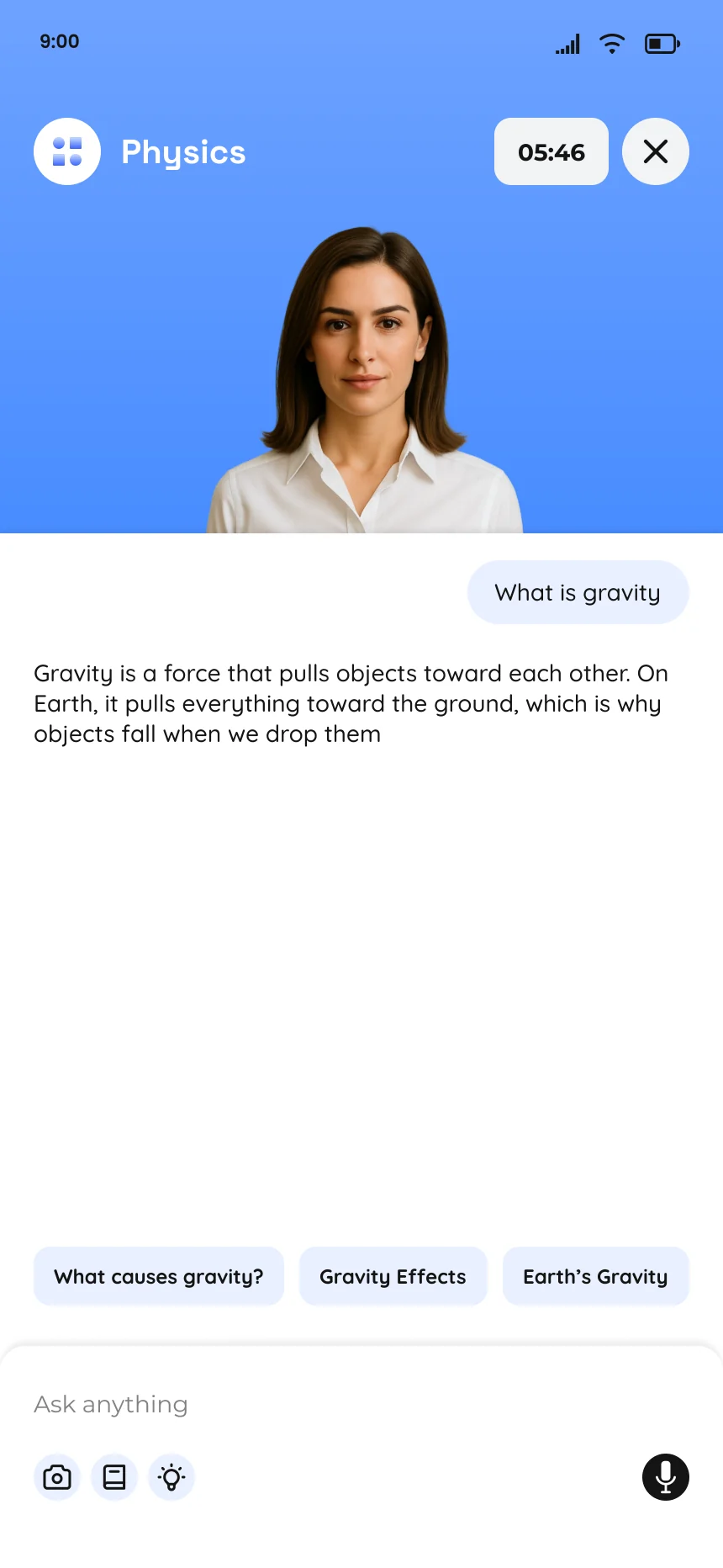
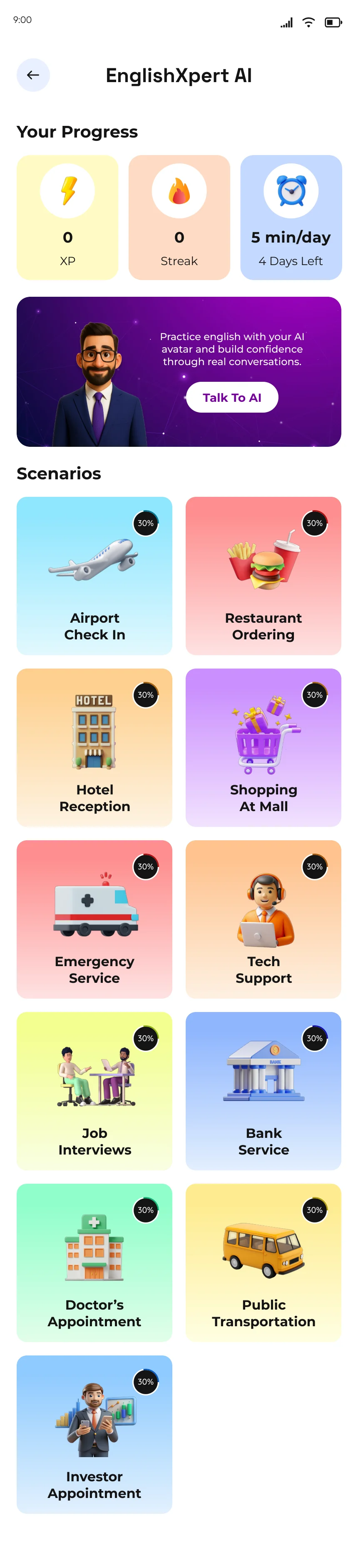
One English session, start to finish
Five screens, in the order a student meets them.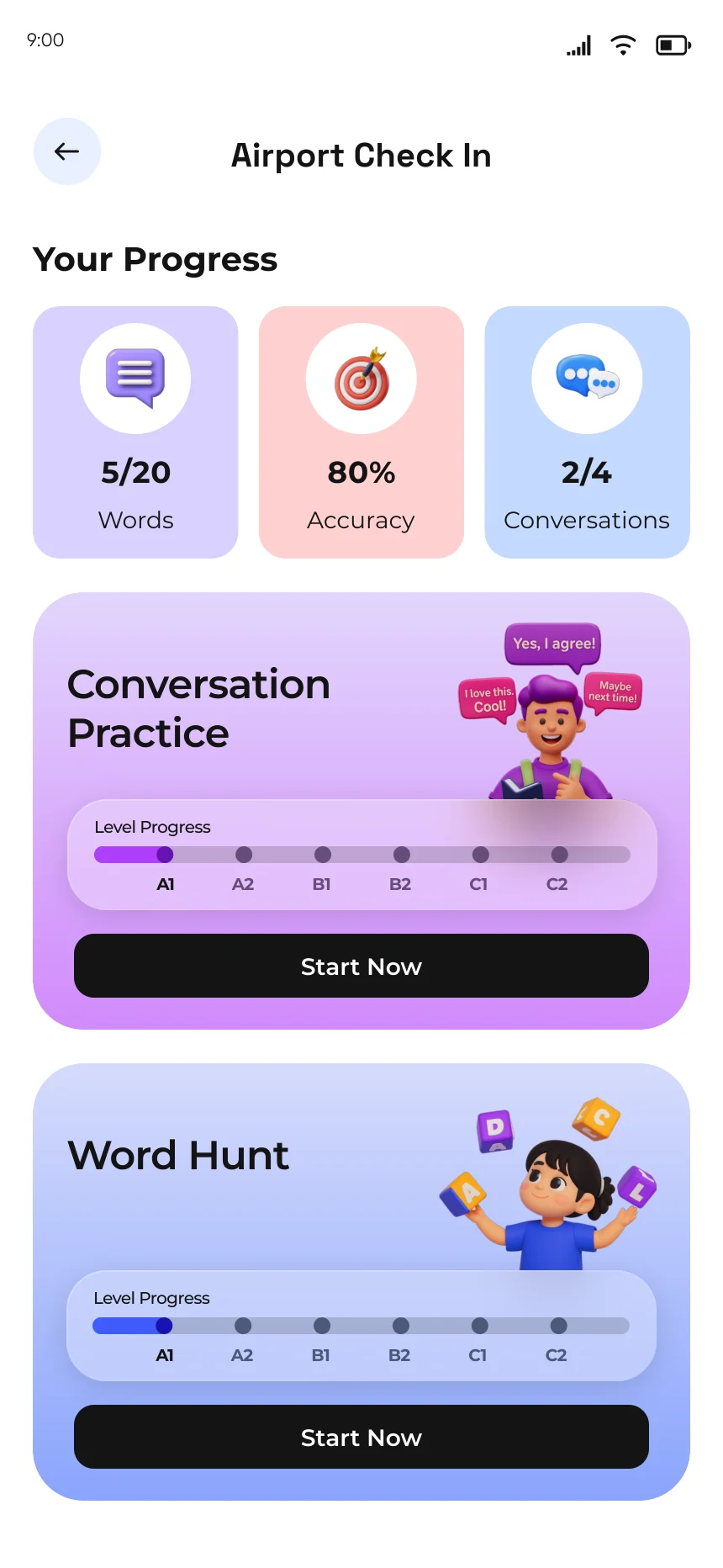
Competitive exam preparation
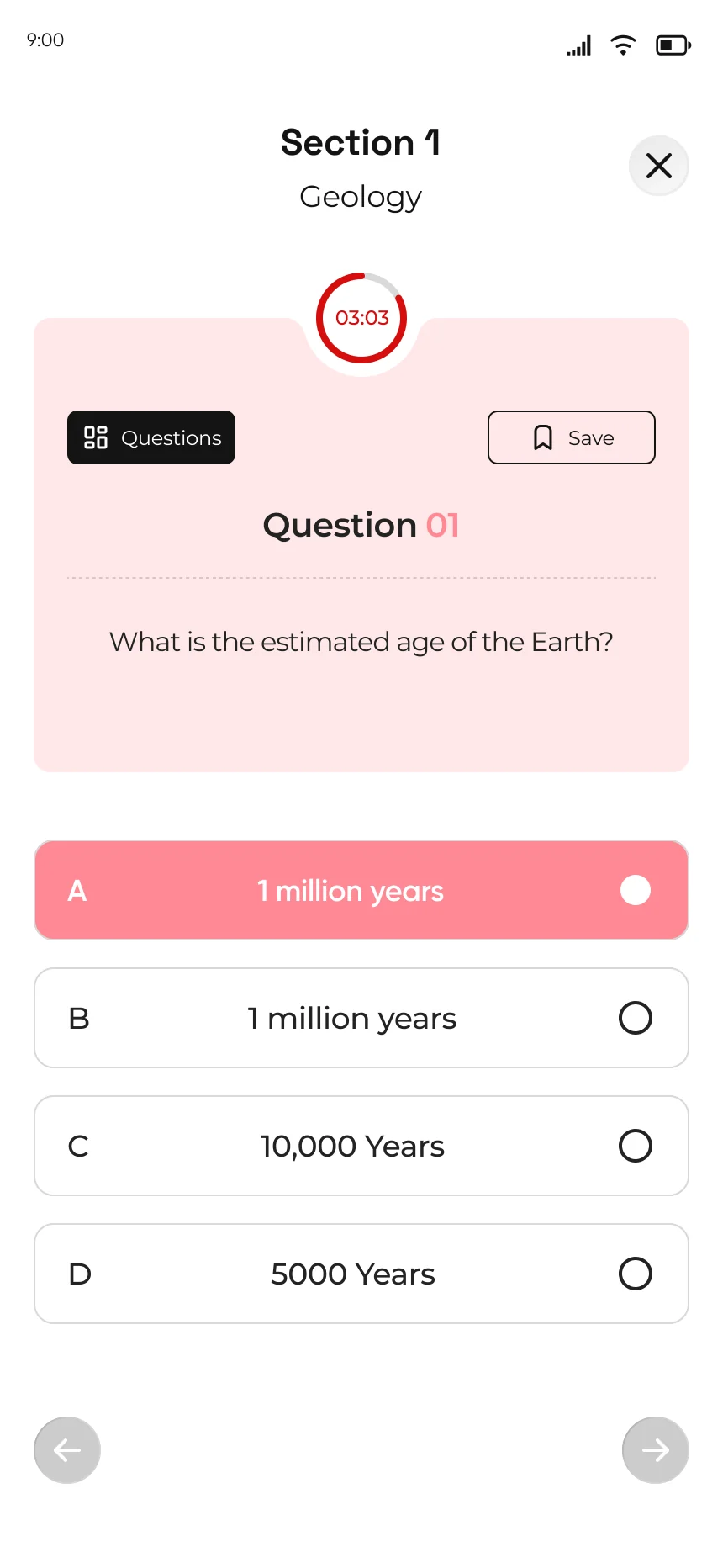
Practice for Qudrat and Tahsili, as quick quizzes or as timed tests that feel like the real exam.
Every question can open an explanation, and the AI tutor is there when the explanation is not enough.
- Practise a question
- Read the explanation
- Ask the AI tutor
- Try the next one
Watch a lesson.
Learn, practise, ask, experiment and improve, all in one platform.
Brand identity
The identity came from the same desk as the flows: the mark, the colours and the look of every card.
Kashcool blue
The brand colour.
EnglishXpert
Spoken English.
Tutor AI
Ask any subject.
Student
The student package.
Qudrat
Exam practice.
Tahsili
Exam practice.
One colour per learning area, so a student knows where they are before reading a word. Hex values are read off the shipped screens.
My role
Product designer for the whole learning experience: the student journeys, the interface for each one, the brand identity and the cross-platform design system.
Phase 1 was designed in Figma across mobile, tablet and web. Phase 2 redesigned the mobile app, web app and landing page.